

Platform Guides/Course Owner Guide
Creating Your First Course
Create a course in Andamio Studio and mint it on-chain
This guide walks you through creating a course in Andamio Studio and minting it on-chain. Once your course exists, you can add modules with credentials that students can earn.
Minting a course costs approximately 150 ADA.
Prerequisites
- An Andamio access token (see Getting Started)
- Course Owner permissions granted by the instance owner
Walkthrough: Create a Course
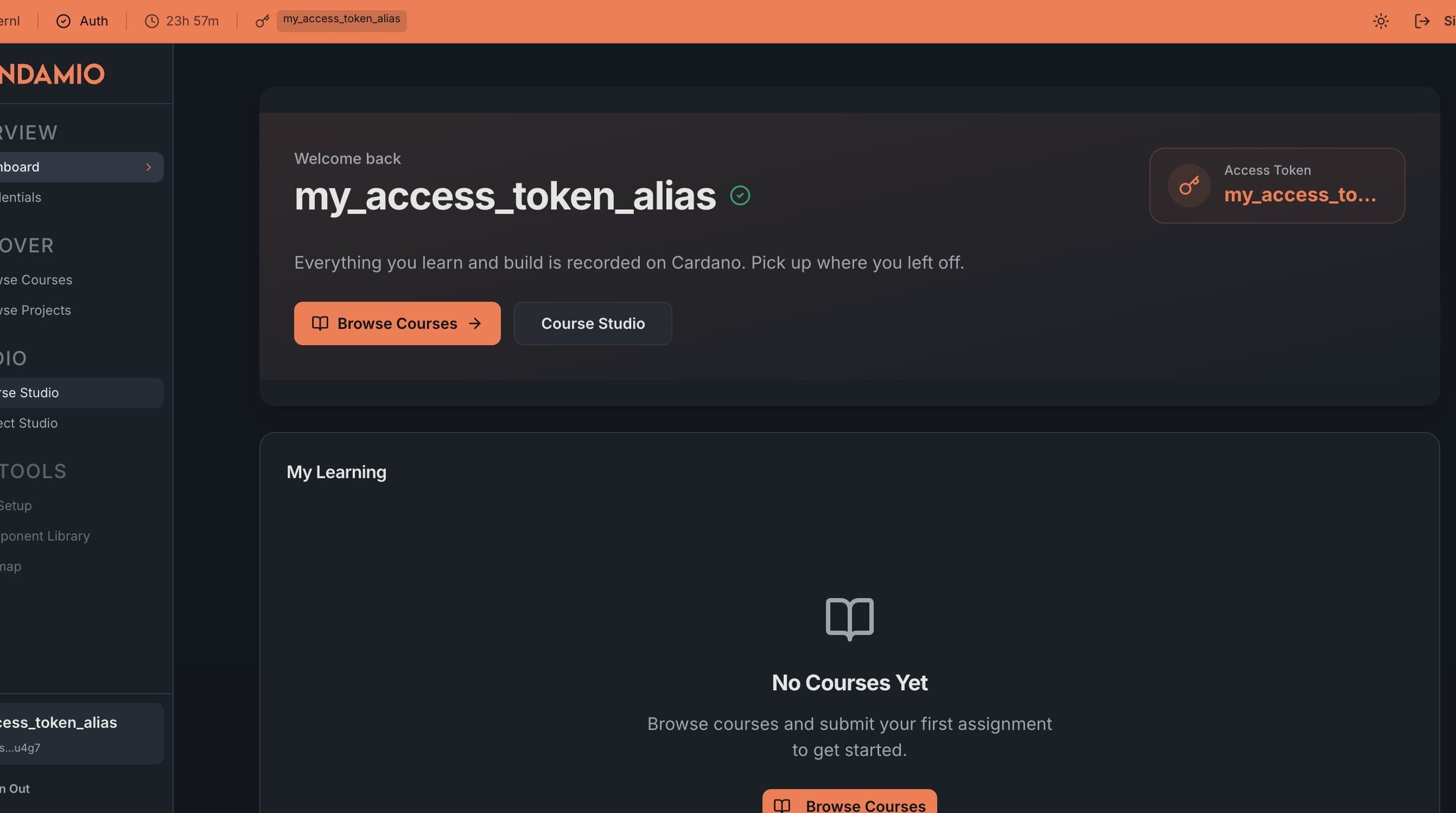
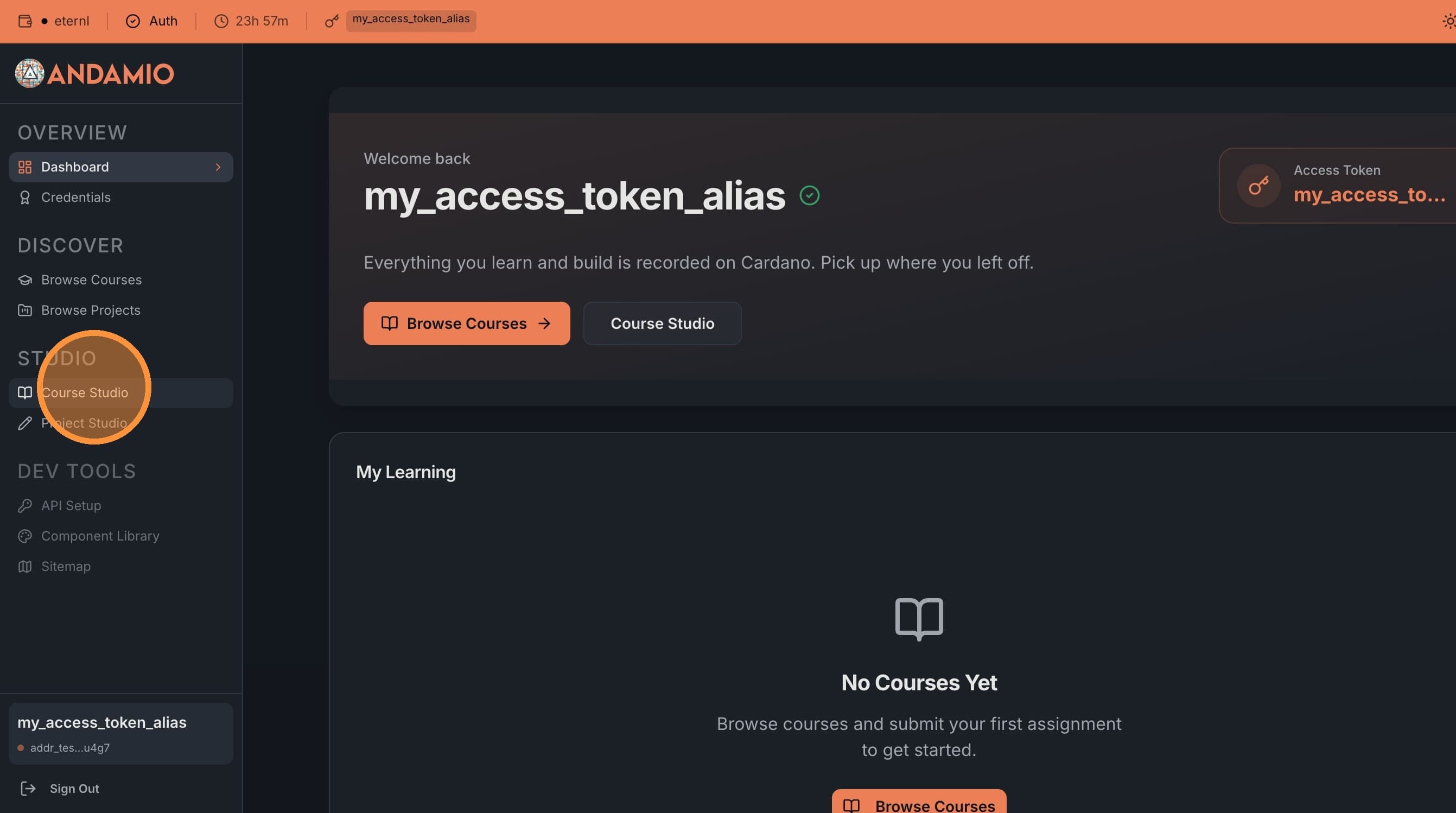
1. Navigate to Course Studio
From your dashboard, click Course Studio in the navigation.
2. Create a Course
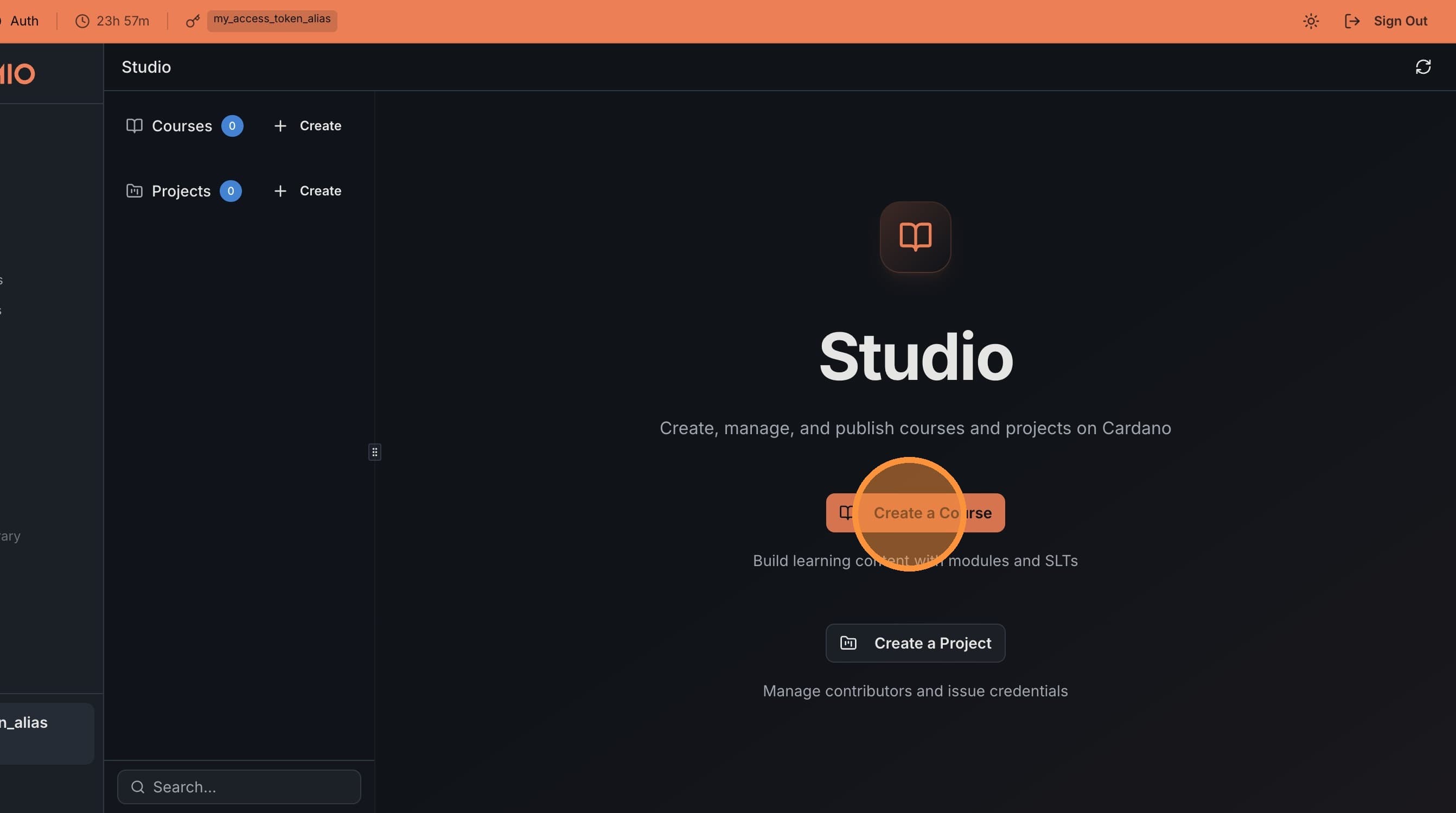
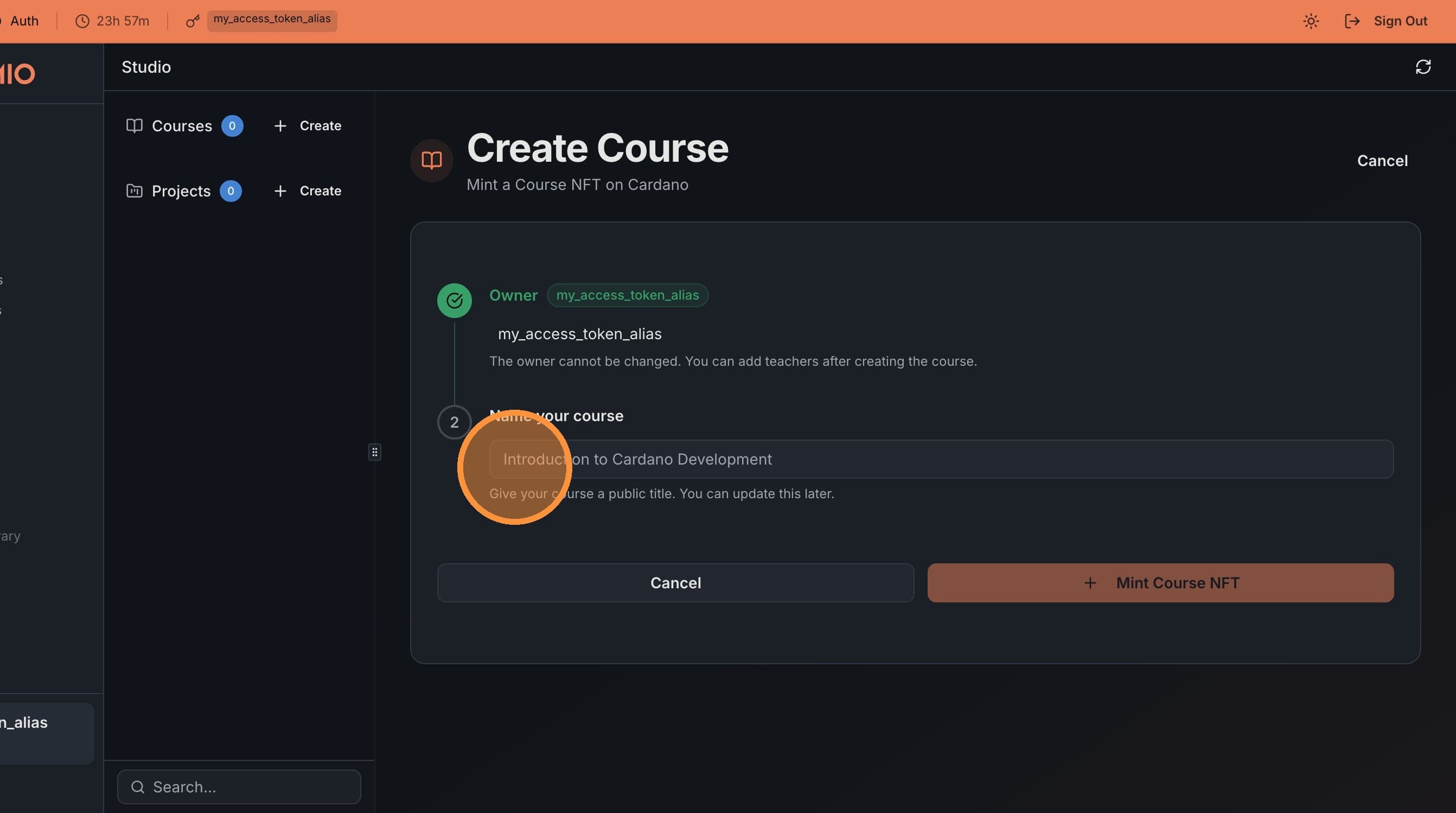
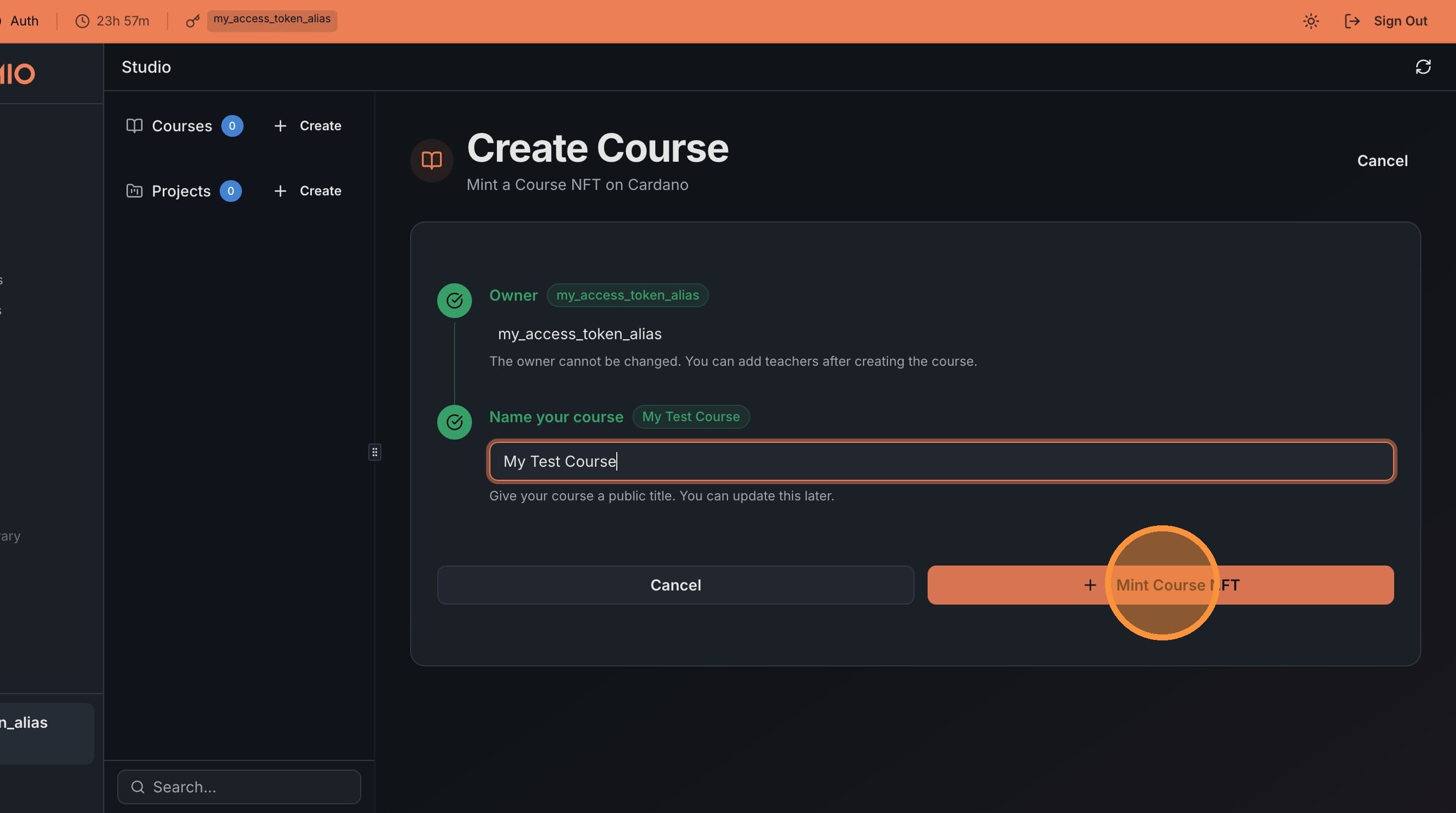
Click Create a Course and choose a public title for your course. You can change this later.
3. Mint the Course NFT
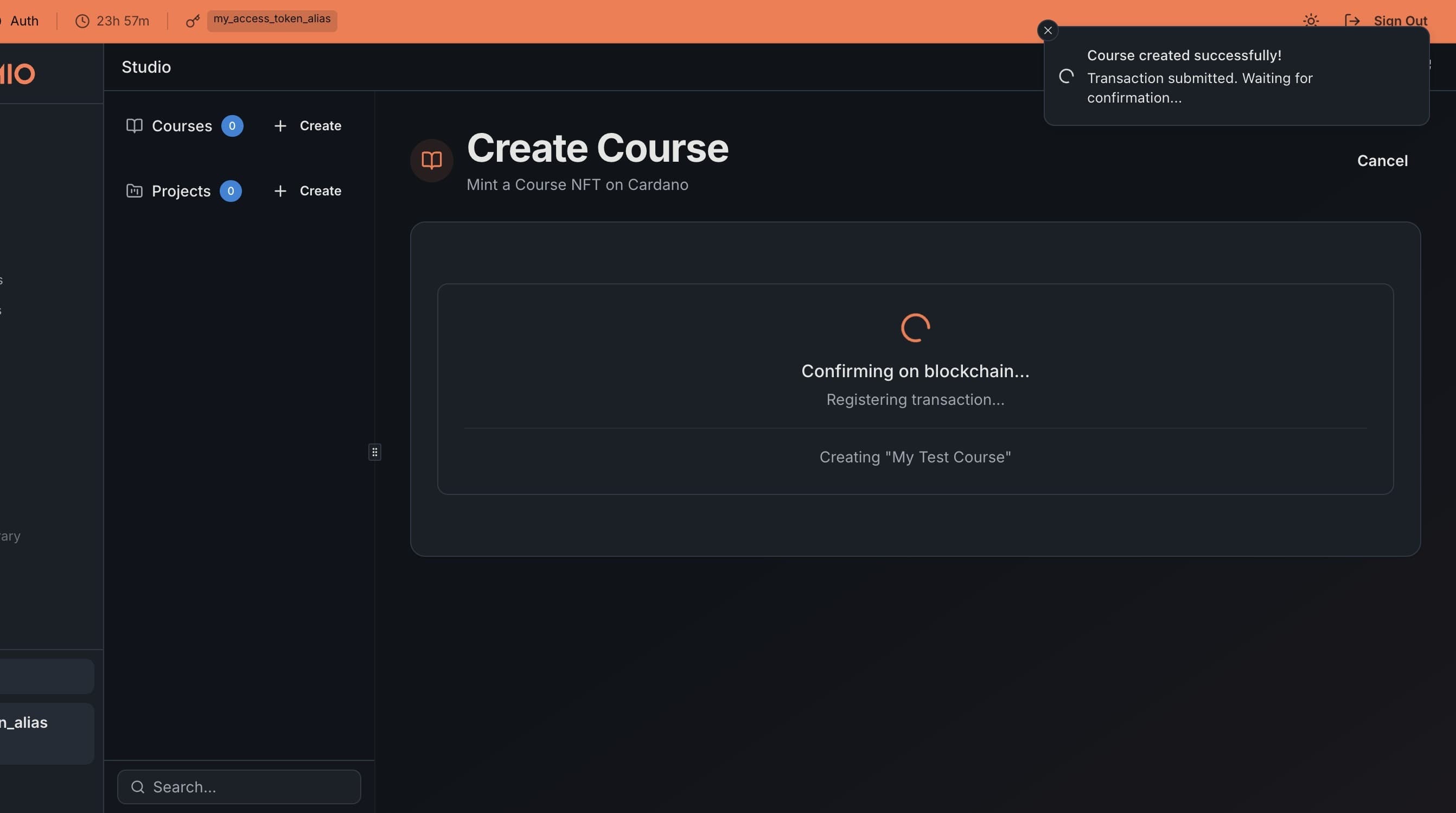
Click Mint Course NFT and sign the transaction in your wallet. Wait for the transaction to confirm on the blockchain.
4. Open Your Course
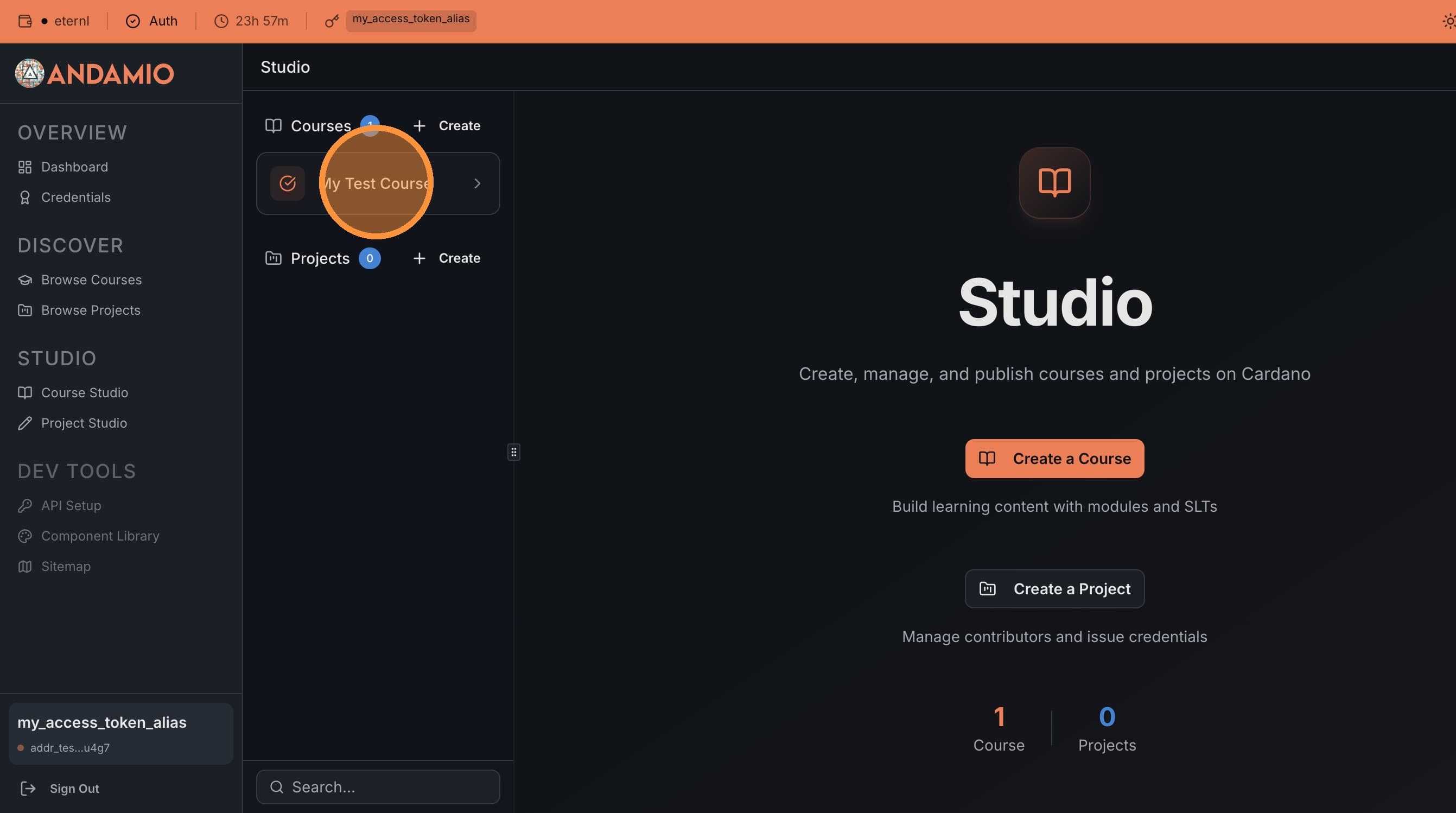
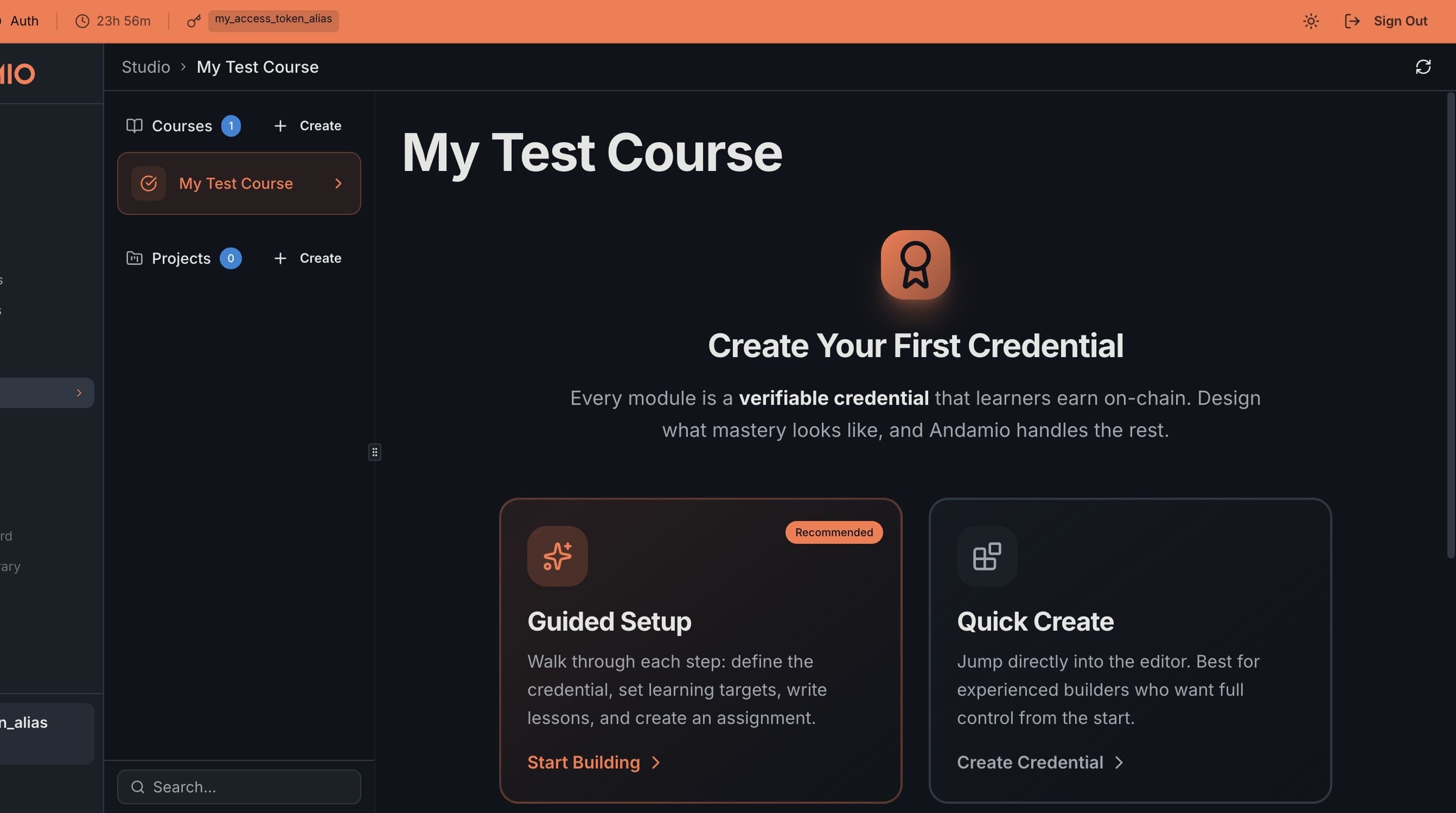
Select your new course in the Studio navigation menu. You're now ready to create your first on-chain credential.
Next Steps
- Publishing and Modules — Add modules with credentials and publish your course