

Getting Started
Create your on-chain identity and mint an access token to start using Andamio
Before you can use Andamio as a course owner, student, project contributor, or any other role, you need to create your on-chain identity by minting an Access Token.
Your access token has a public alias that cannot be changed once minted, so choose your name carefully.
Prerequisites
- A Cardano wallet (e.g. Lace, Eternl, Nami)
- Some test ADA if using preprod
Walkthrough: Mint Your Access Token
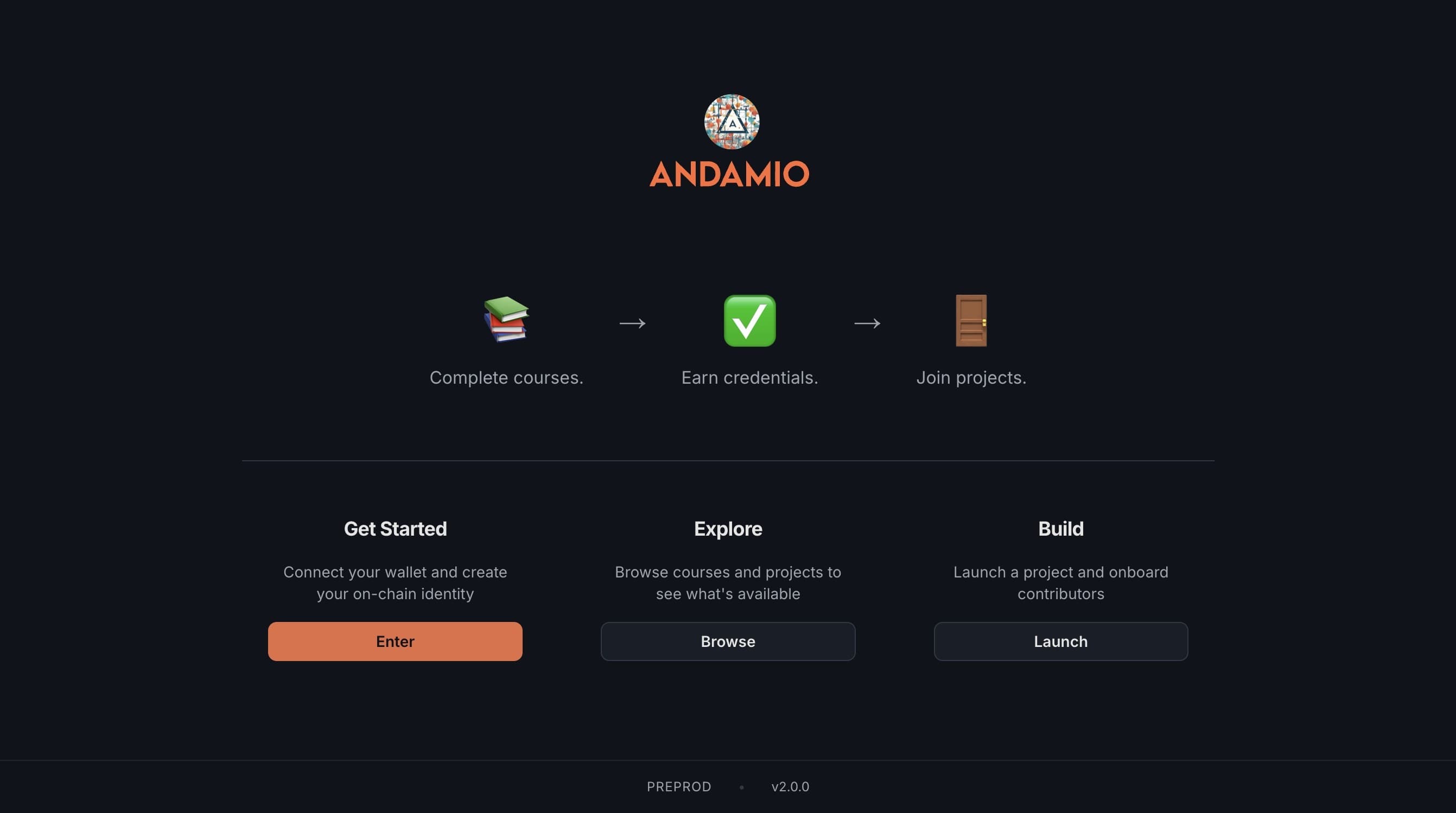
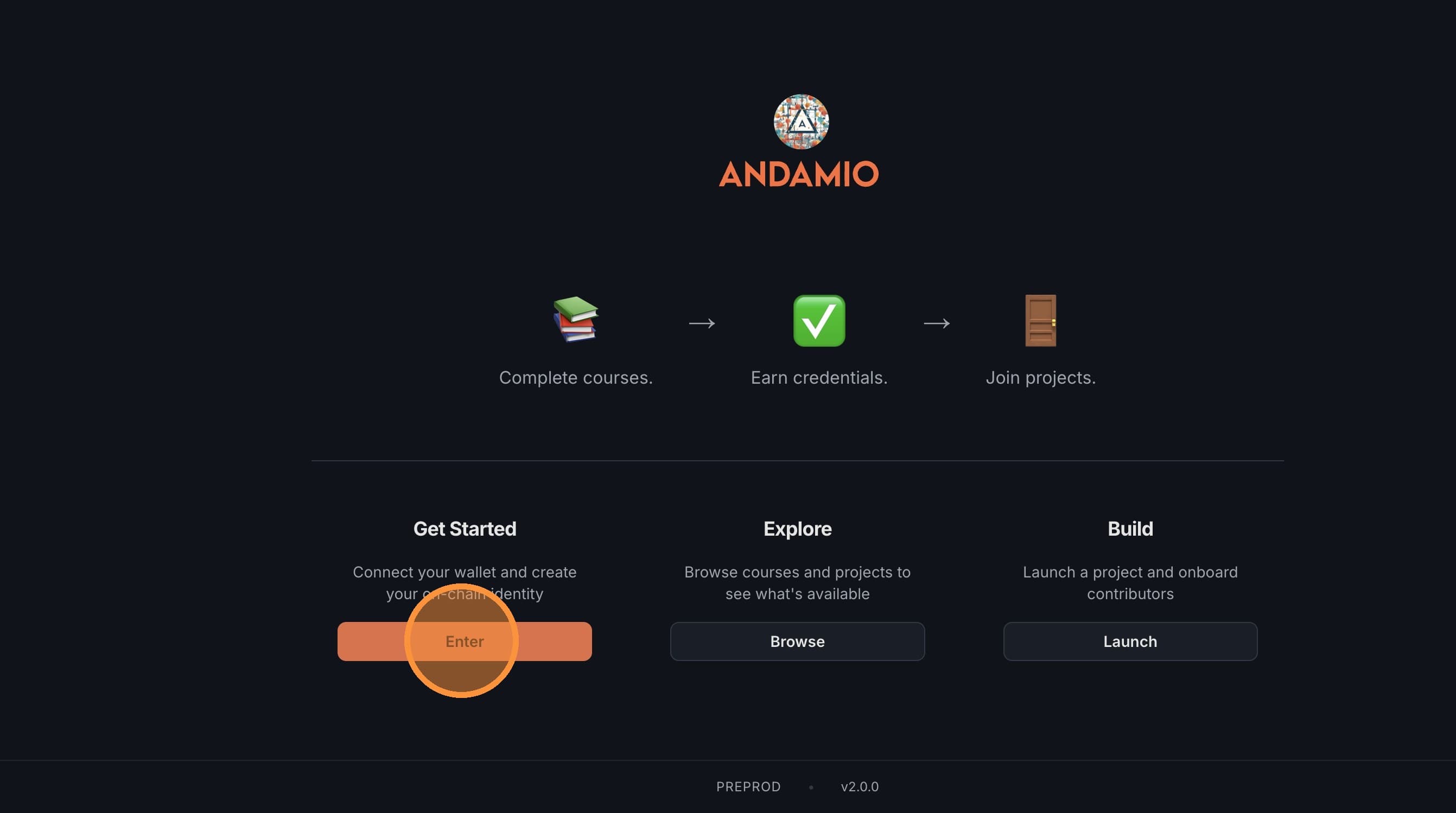
1. Navigate to Andamio
Go to preprod.app.andamio.io and click Enter to get started.
2. Connect Your Wallet
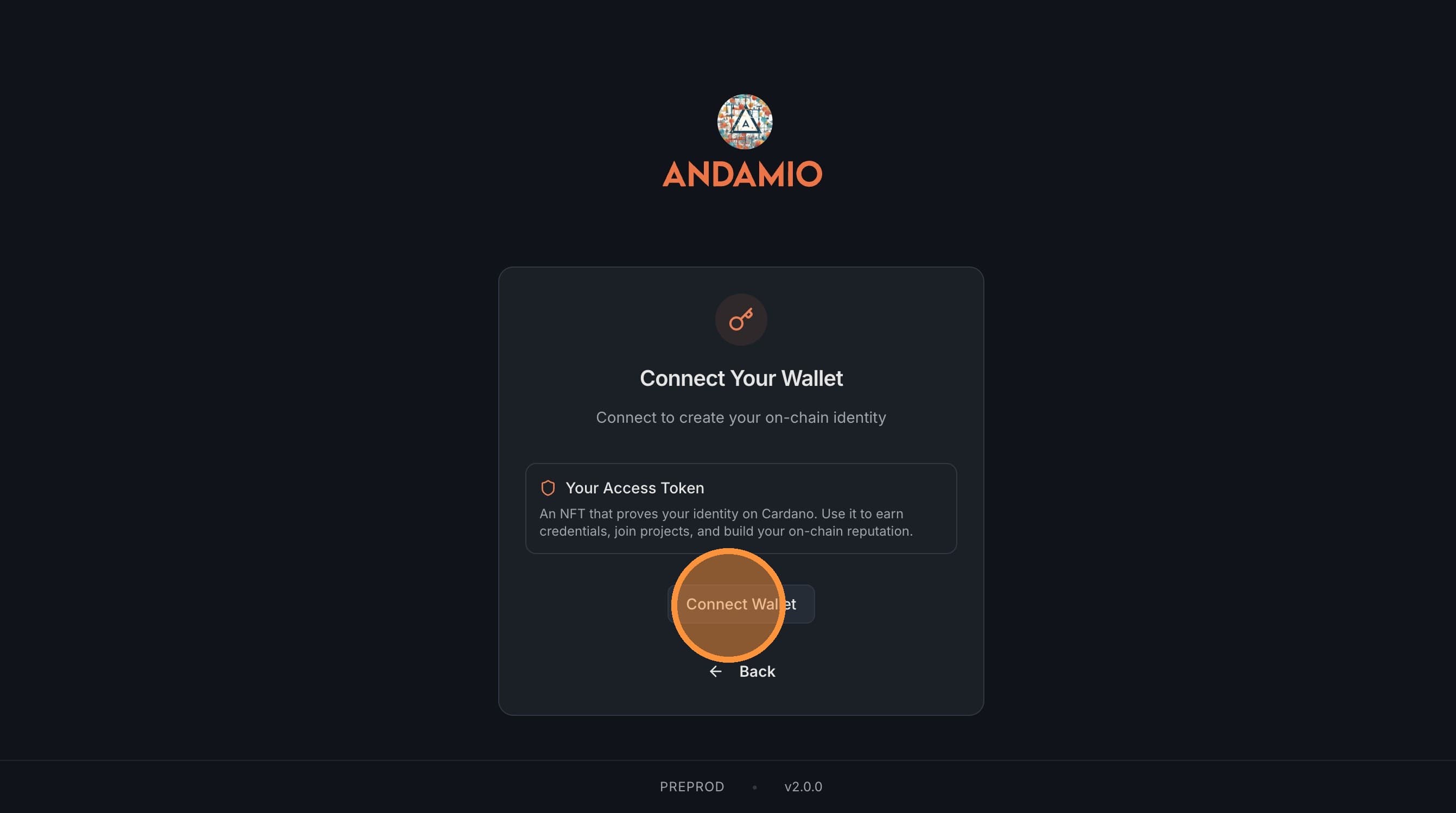
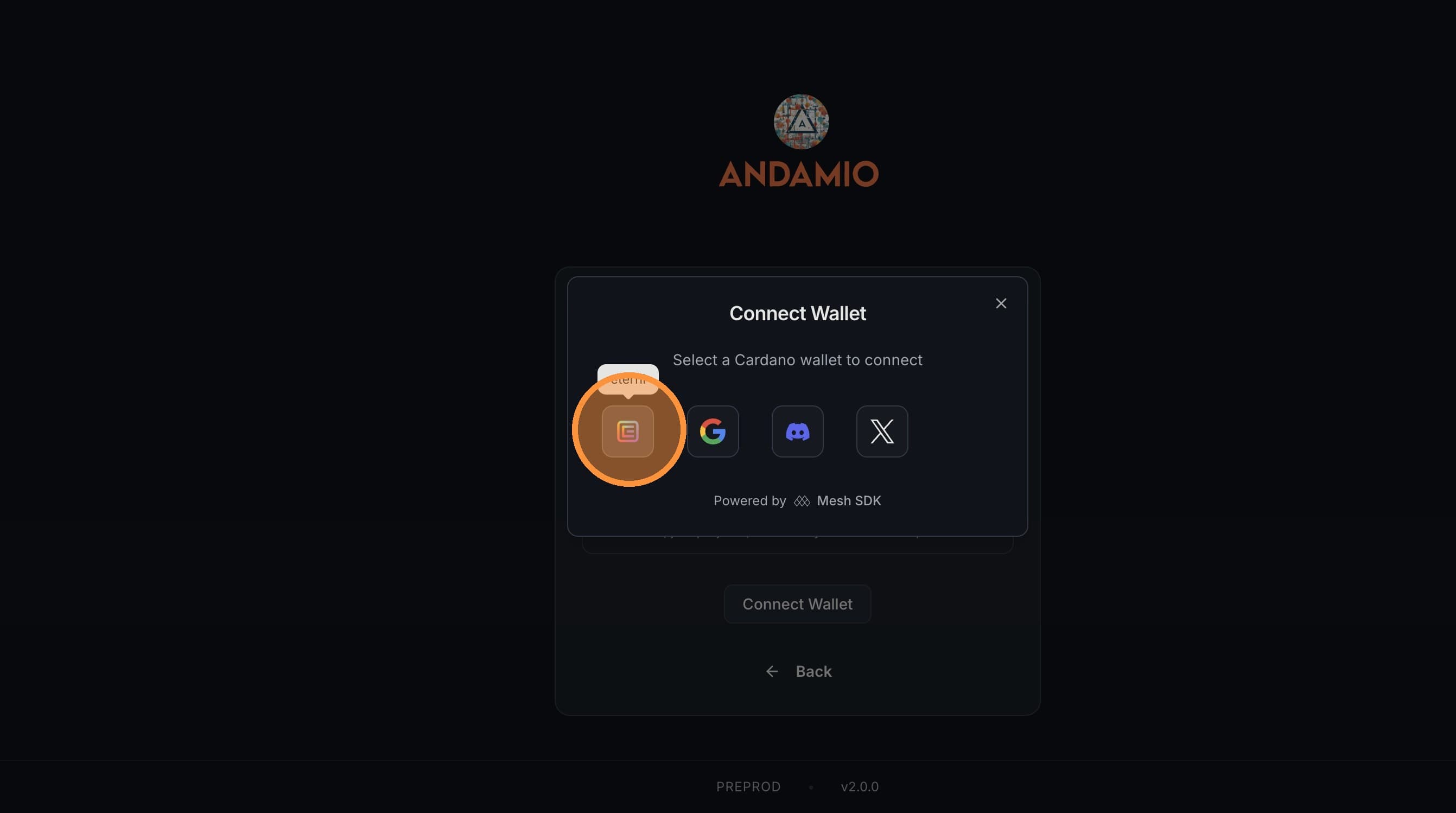
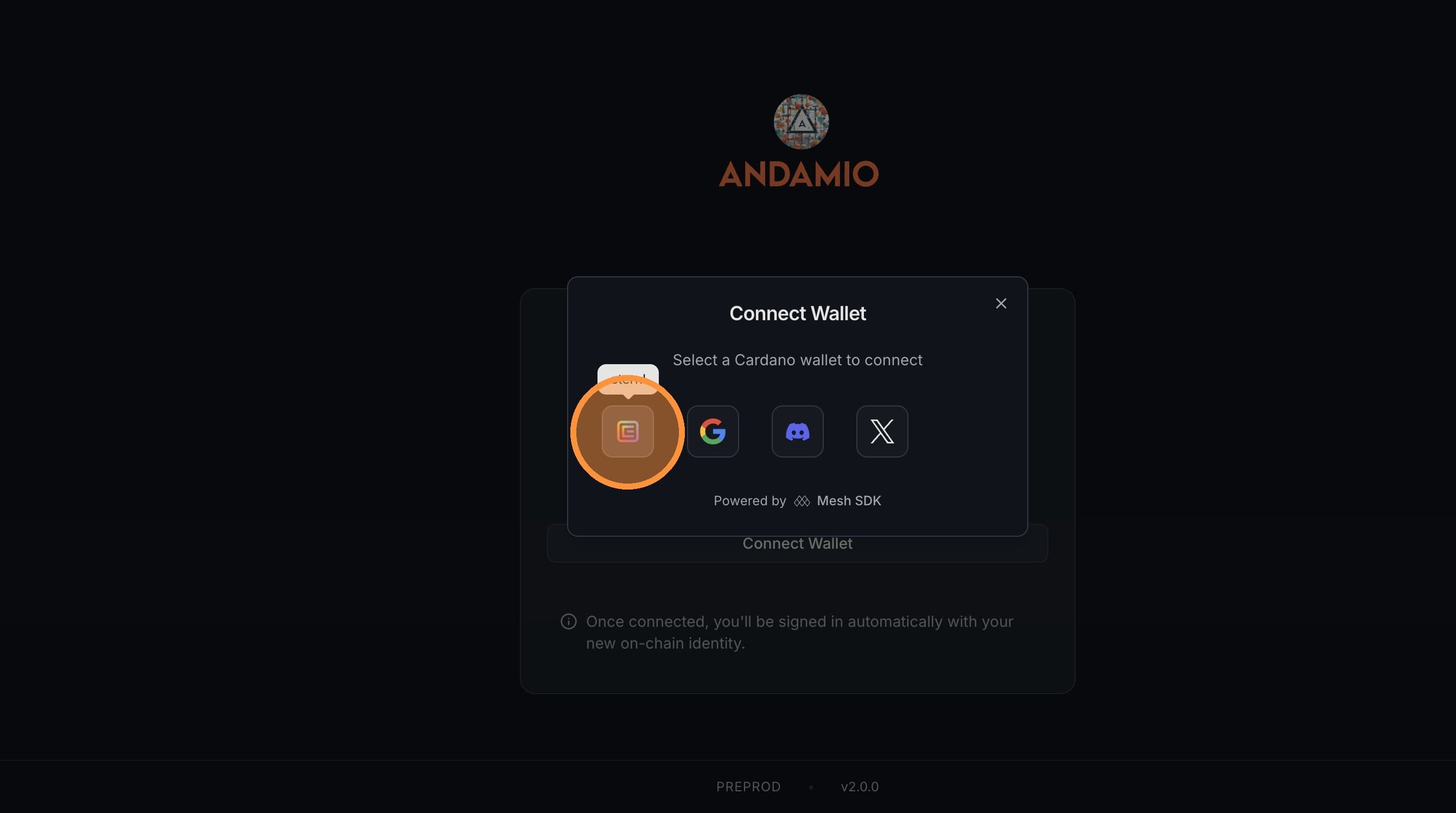
Click Connect Wallet and choose your wallet from the list.
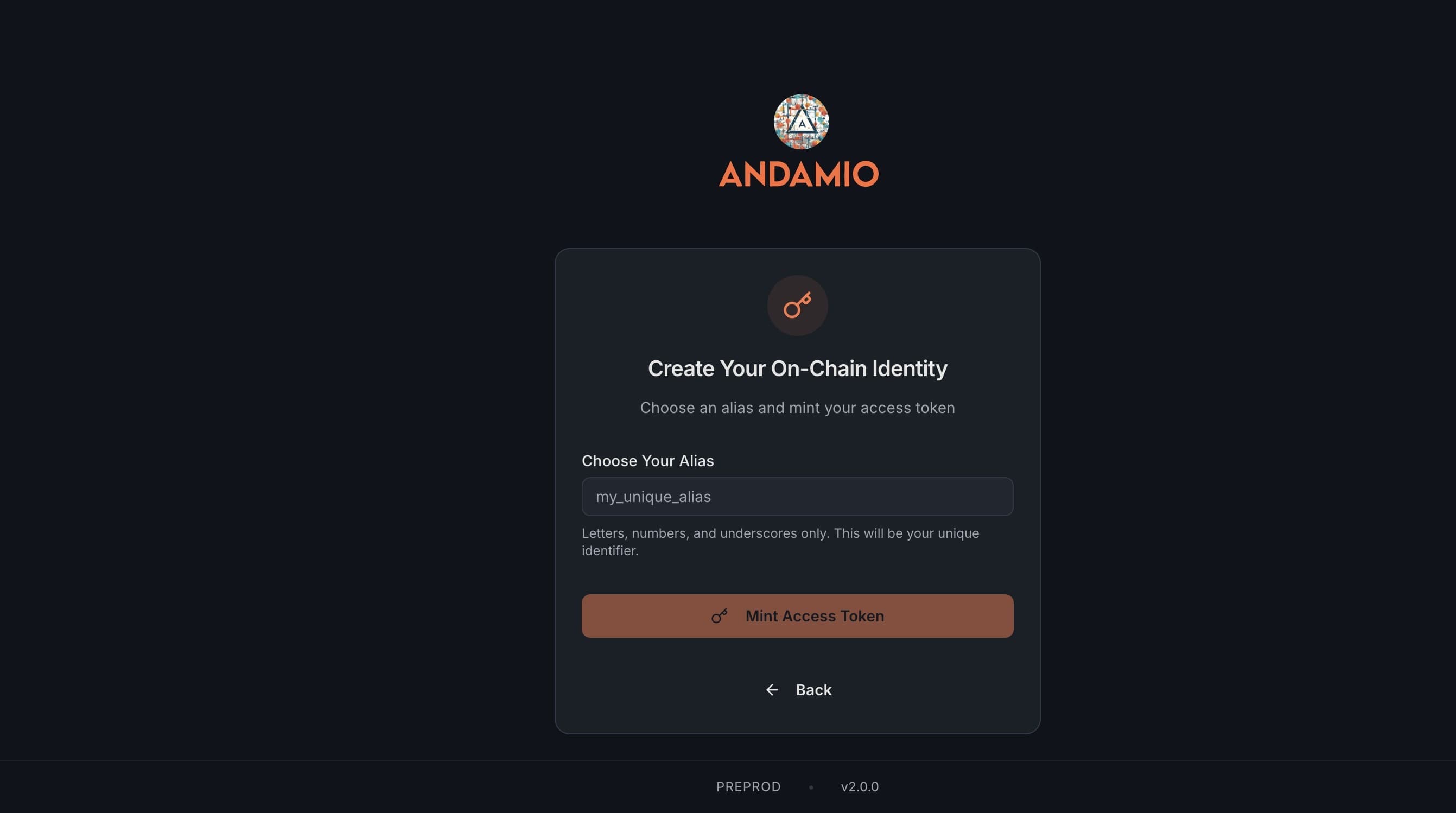
3. Choose Your Alias
Type an alias for your Access Token. This is a unique identifier and cannot be changed.
4. Mint Your Access Token
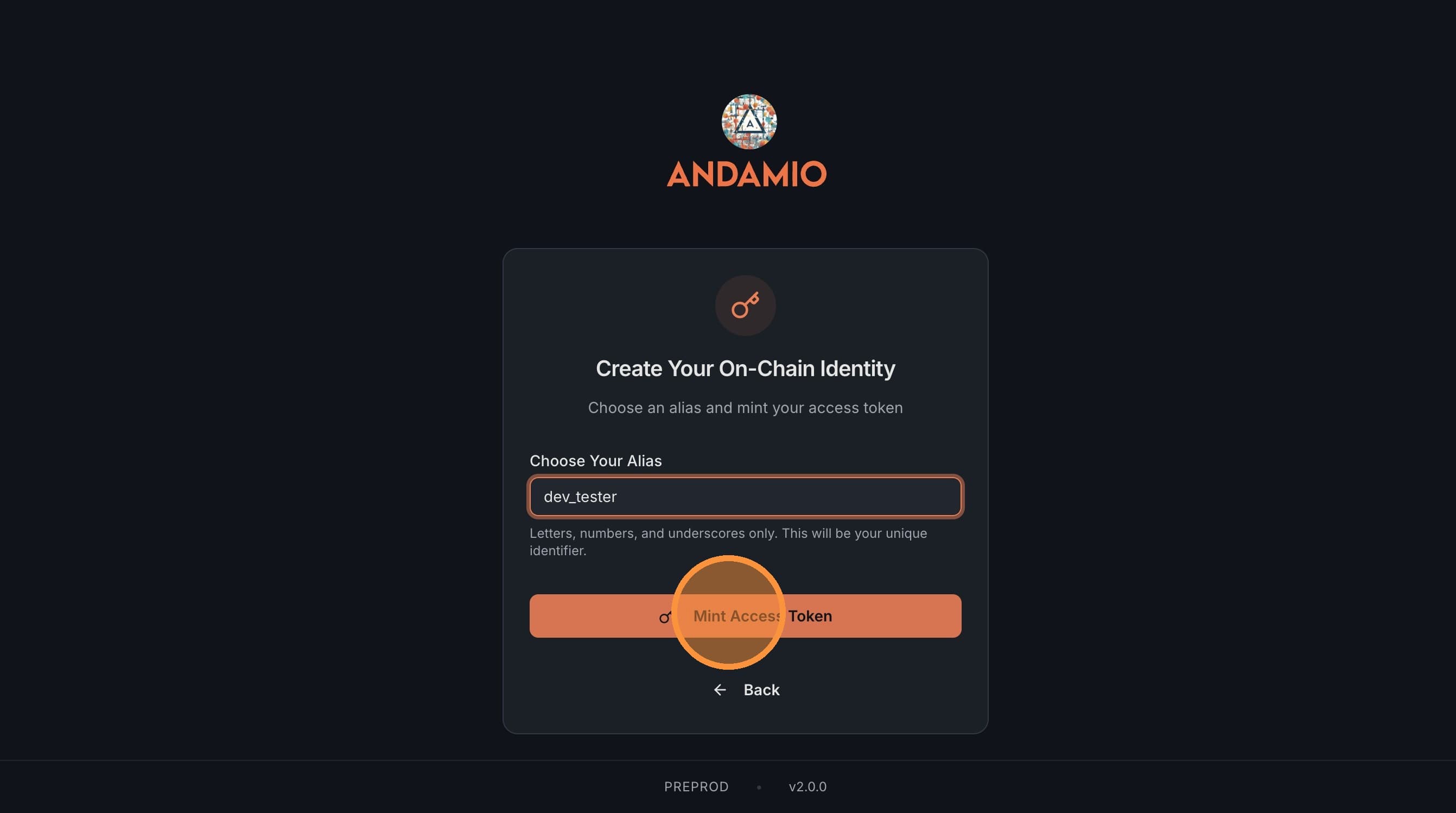
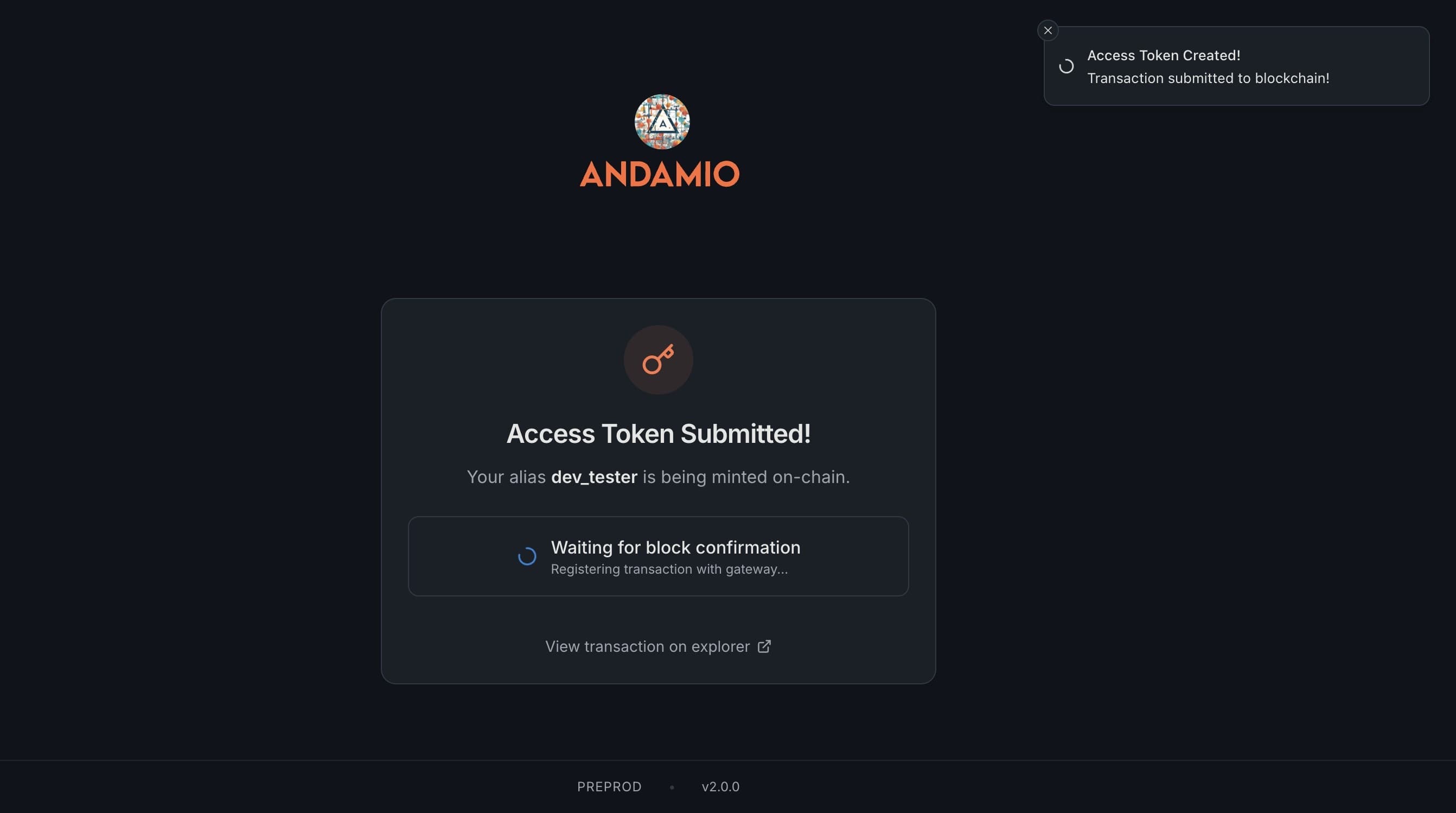
Click Mint Access Token and sign the transaction in your wallet. Wait for the minting transaction to confirm on Cardano.
5. Sign In
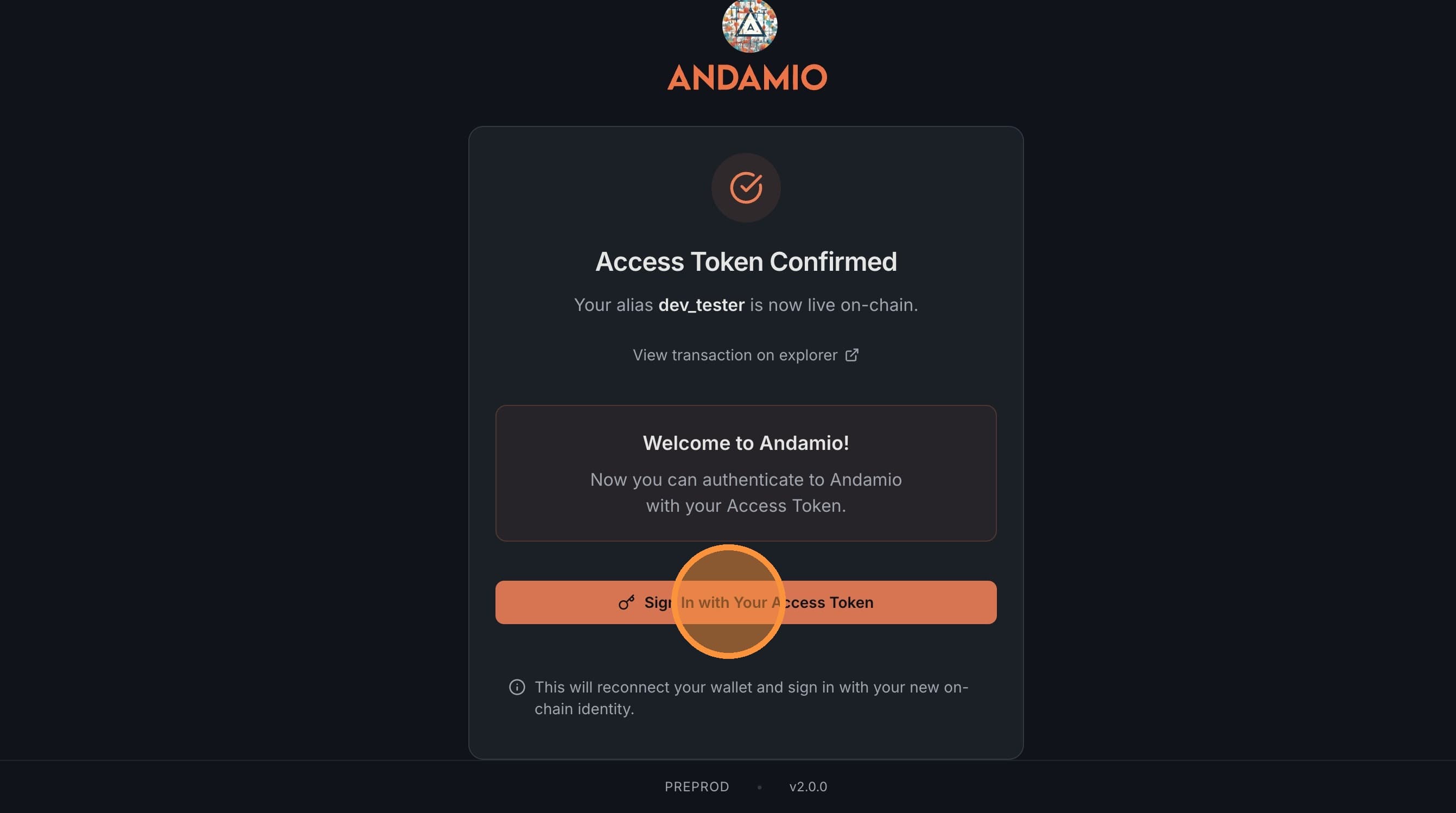
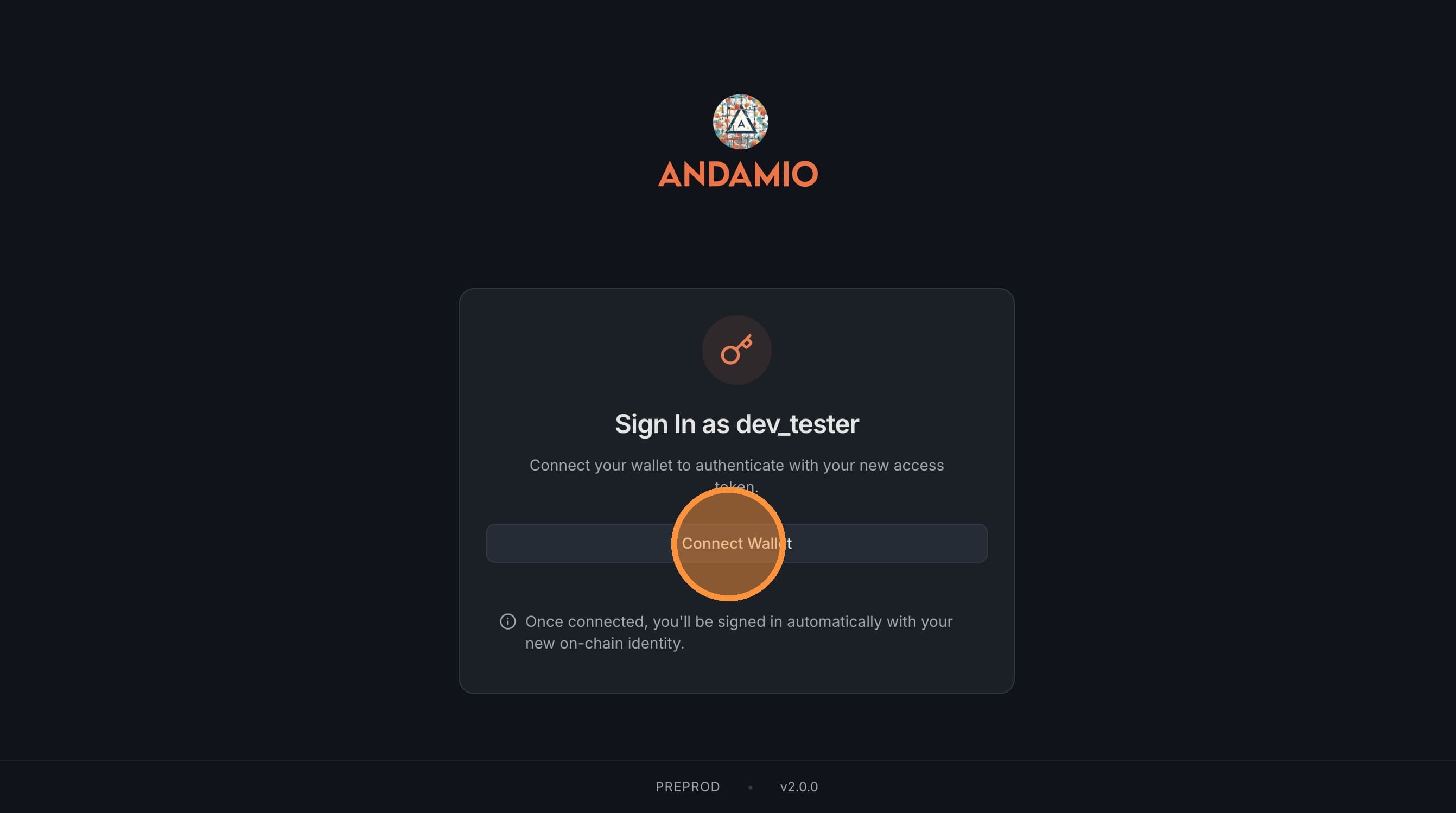
When your access token is confirmed, click Sign In with Your Access Token. Connect your wallet again and sign to authenticate.
Next Steps
Head into the Andamio app to put your identity to work. The app guides you through creating a course in Studio, setting up a project and managing contributors, or joining a project to earn credentials.