

Creating a Credential
Build a course module that defines an on-chain credential
A module defines a credential. The Student Learning Targets (SLTs) describe what the credential proves — what learners must demonstrate to earn it.
This guide walks you through building a module in Andamio Studio: defining SLTs, designing an assignment, and adding lessons. Once approved, the module is ready to mint on-chain as a credential.
Prerequisites
- An Andamio access token (see Getting Started)
- A course created in Andamio Studio (see Creating Your First Course)
Walkthrough: Create a Credential
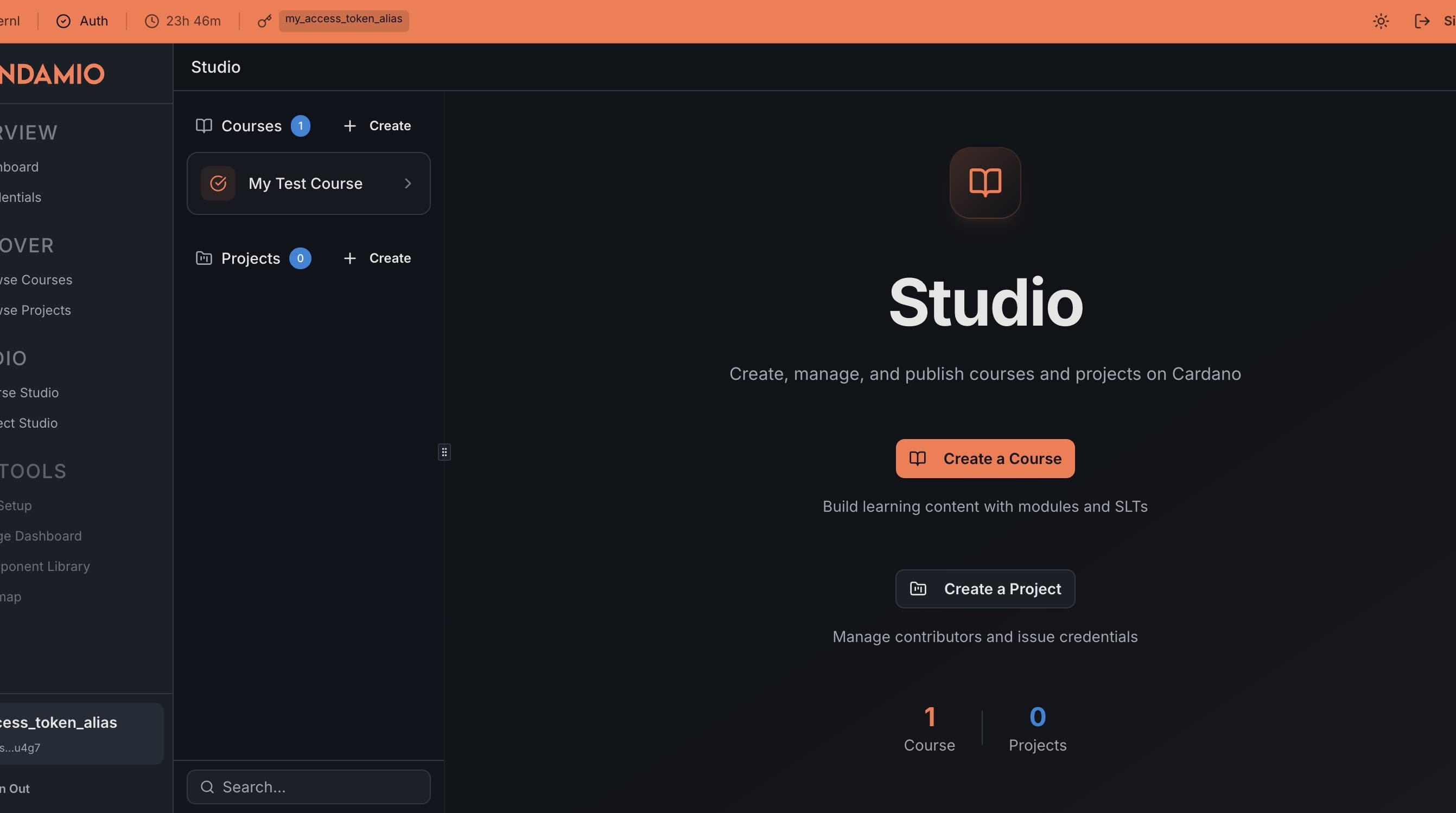
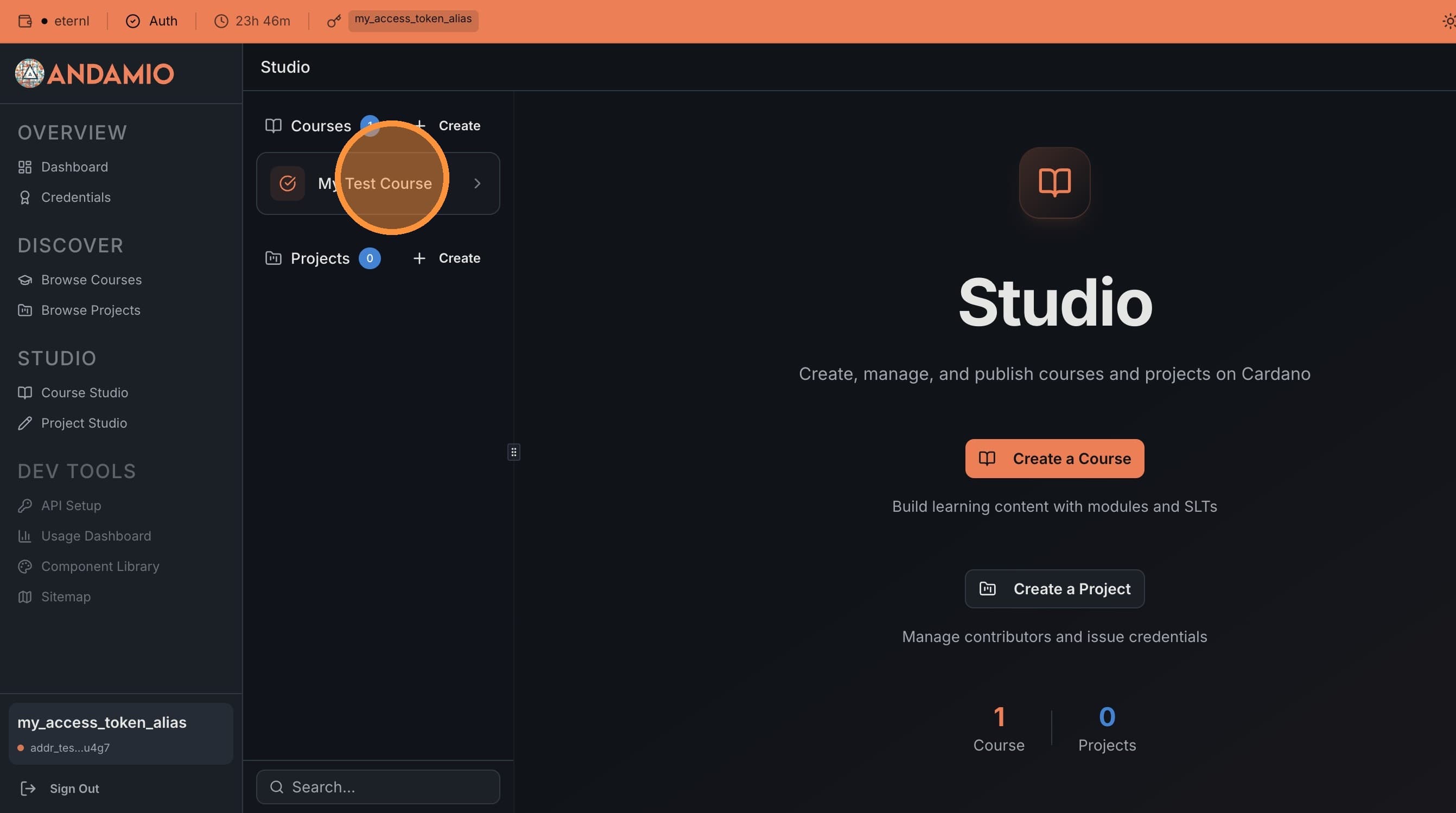
1. Open Your Course
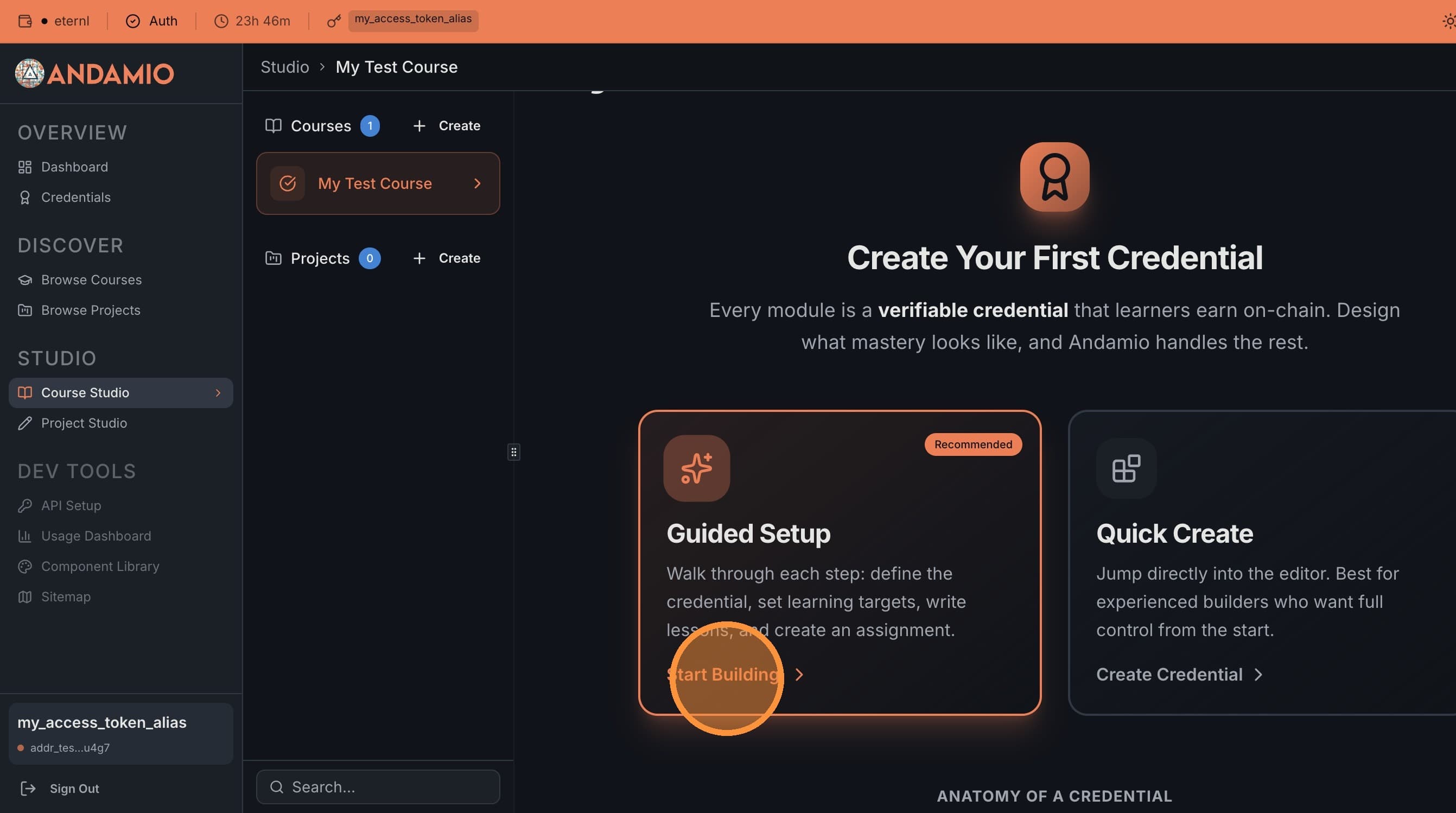
Navigate to Andamio Studio and select your course from the navigation menu. Click Start Building to begin.
2. Create a Module
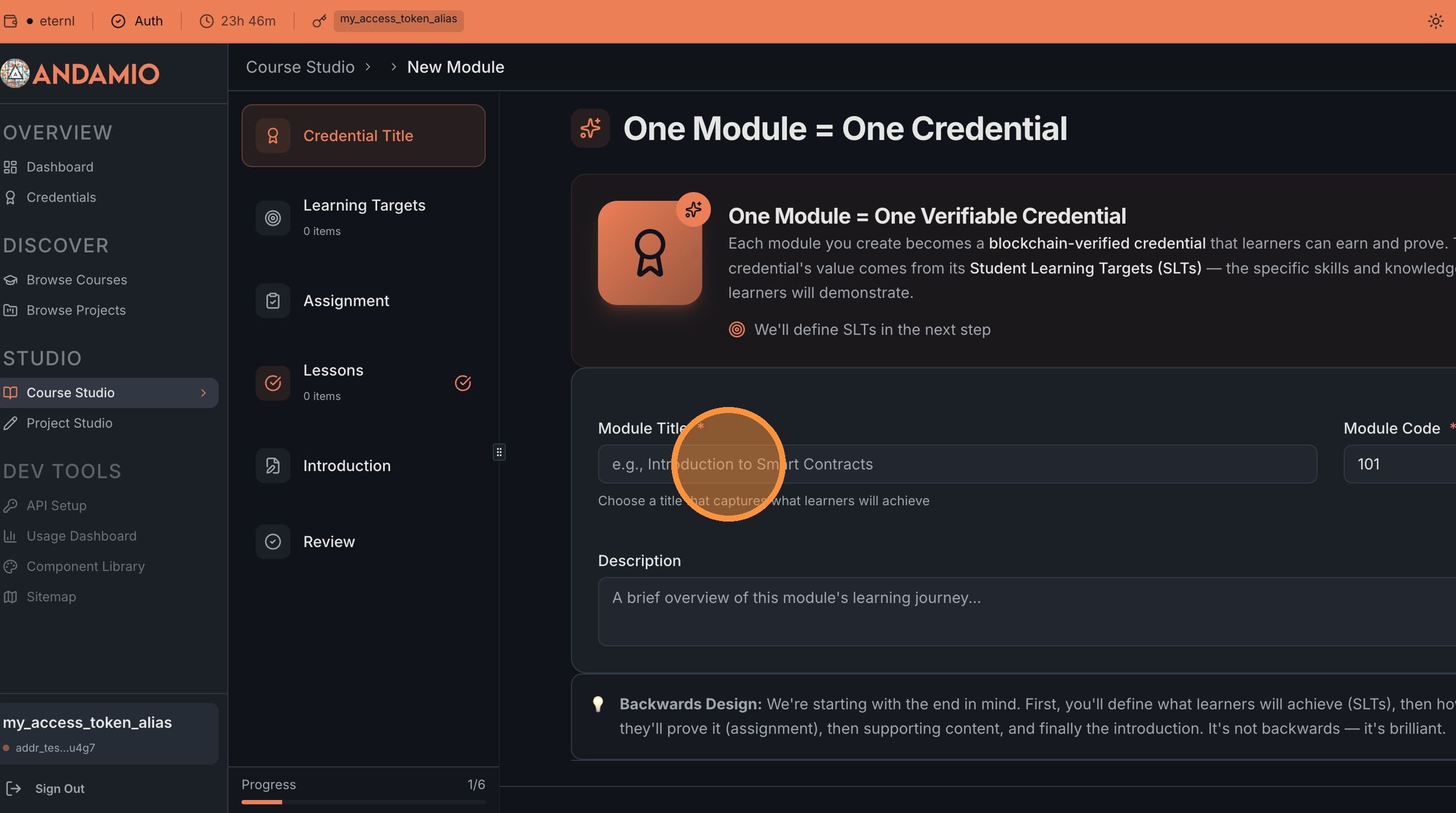
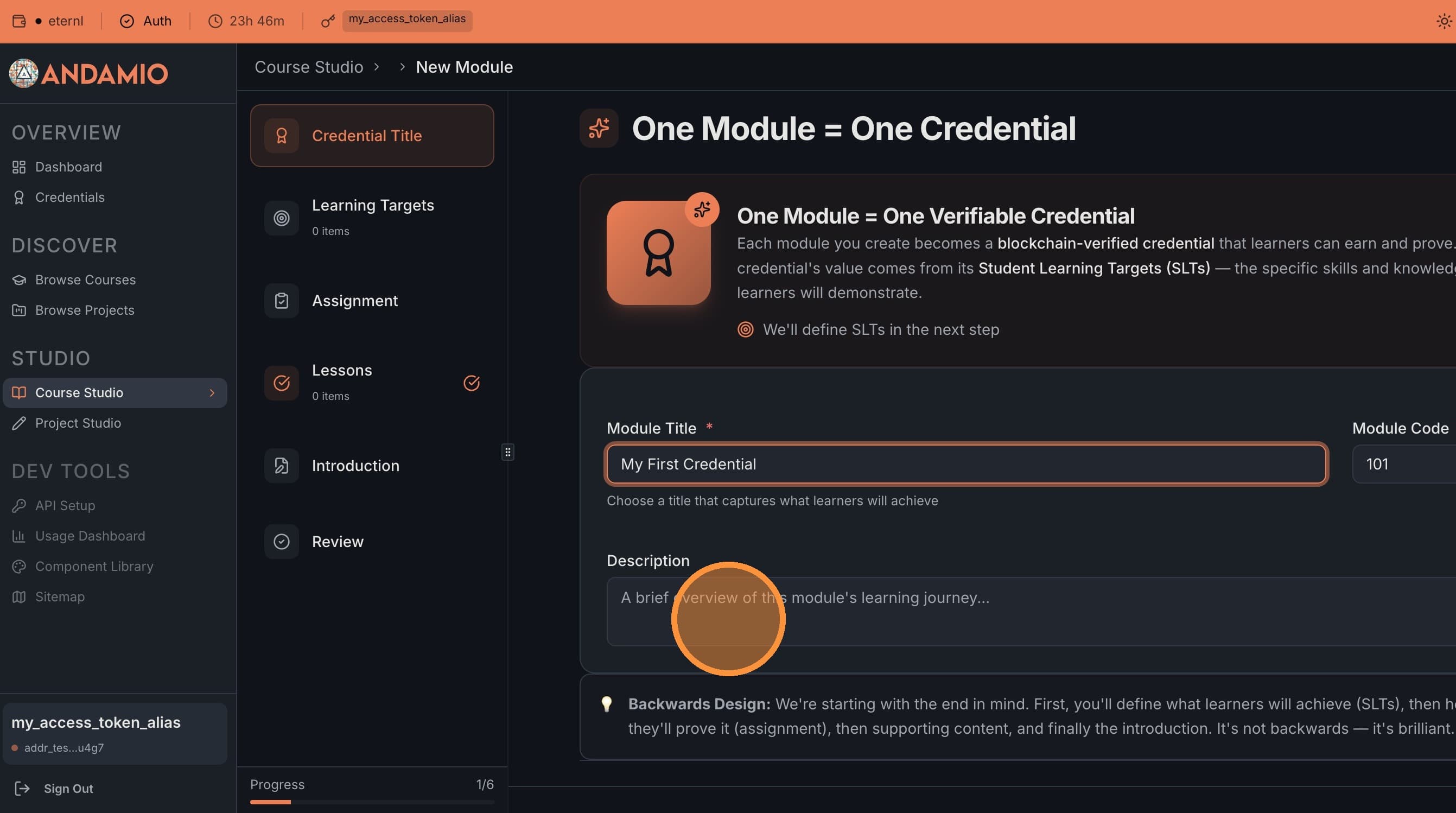
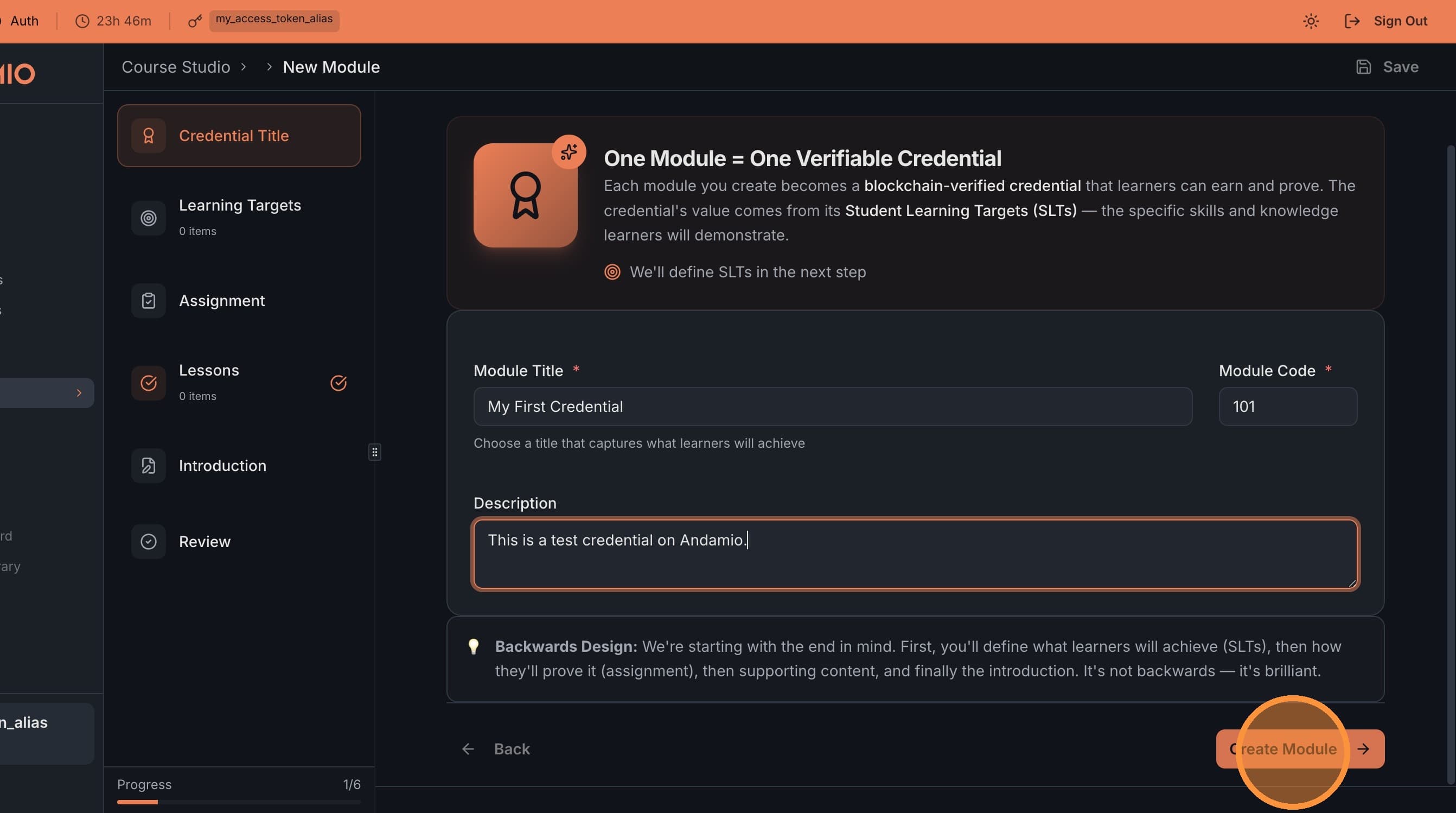
Give your module a title and optionally add a description. This title is what learners will see when browsing your course. Click Create Module to continue.
3. Add Student Learning Targets
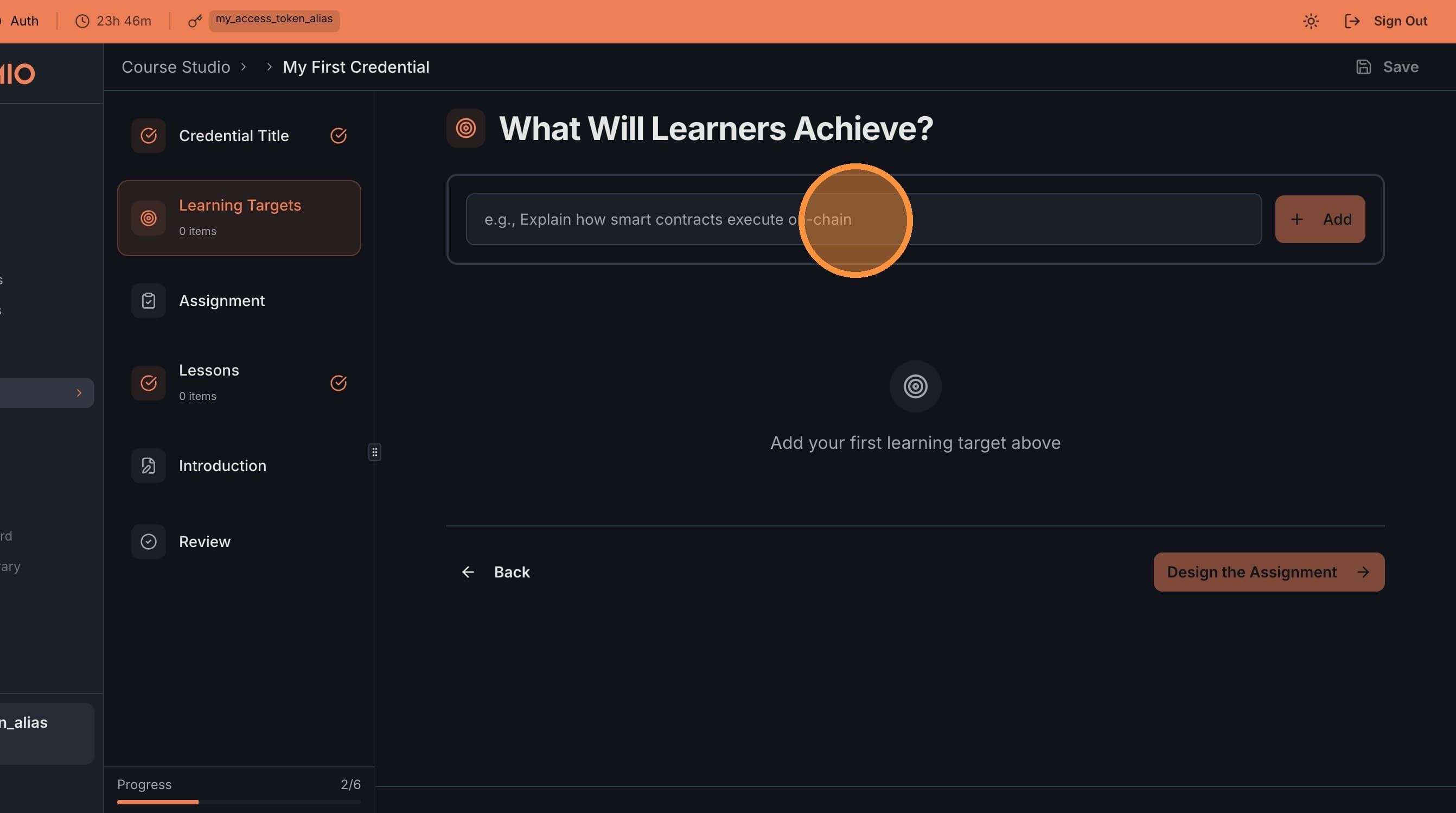
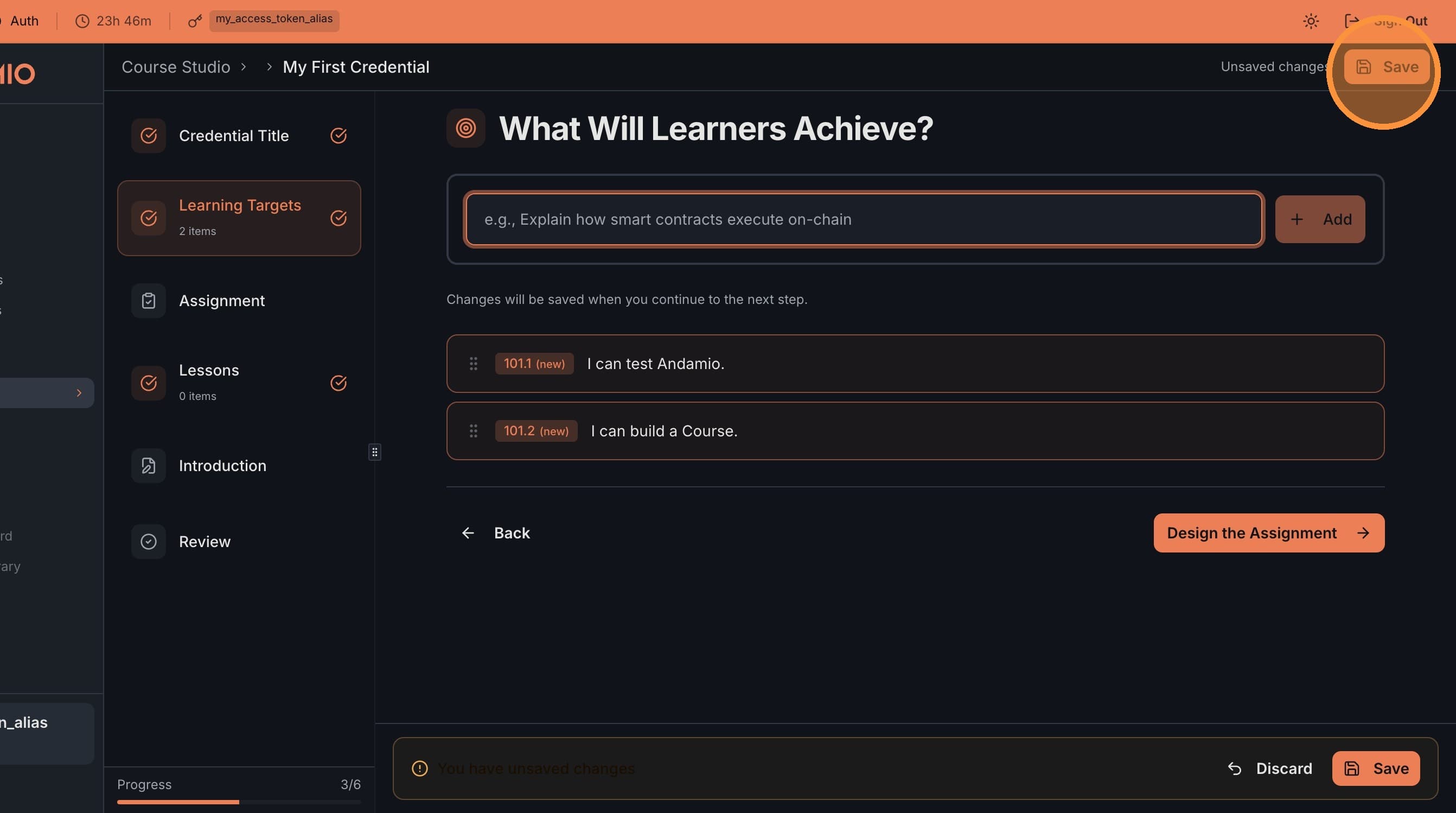
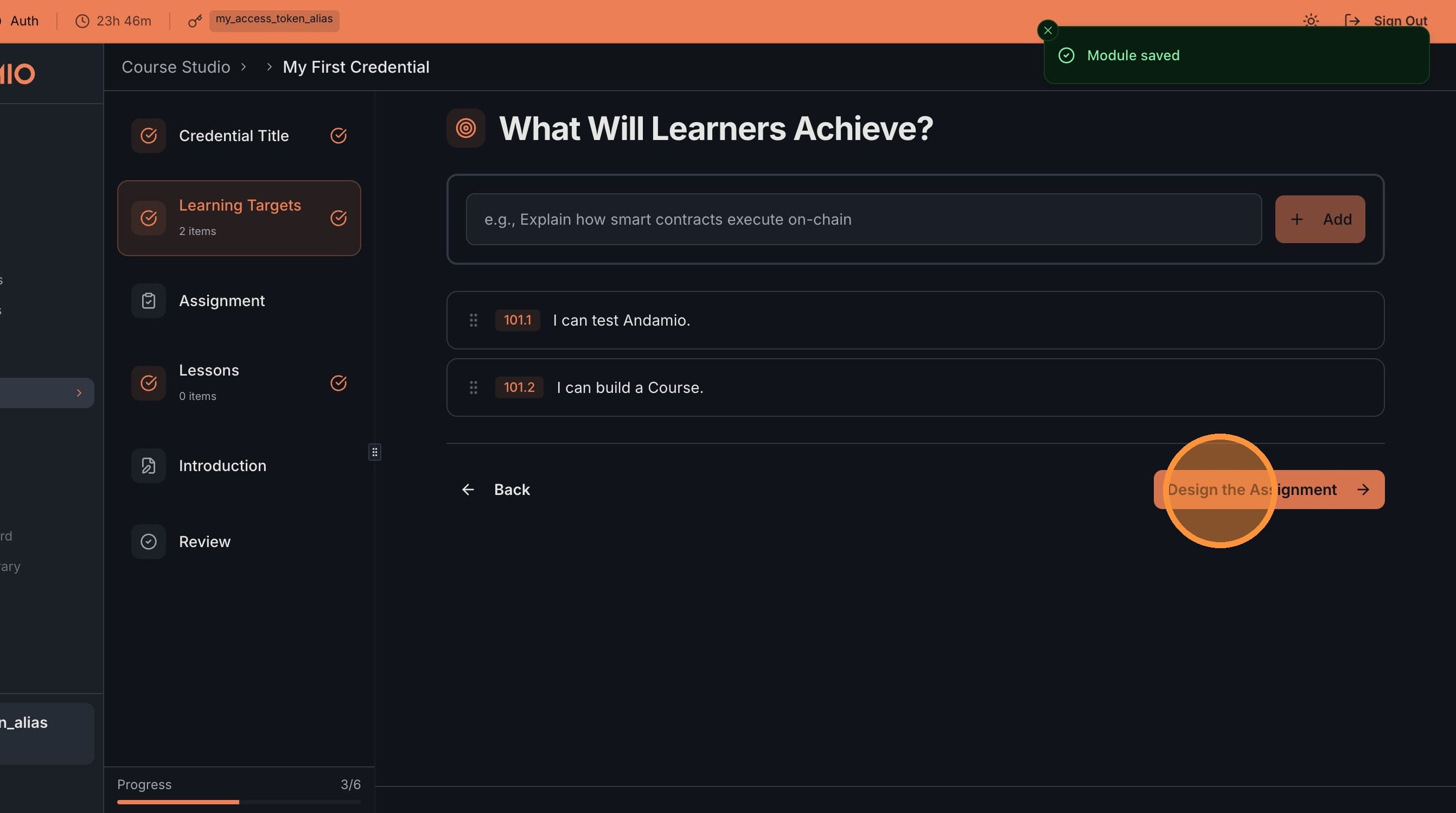
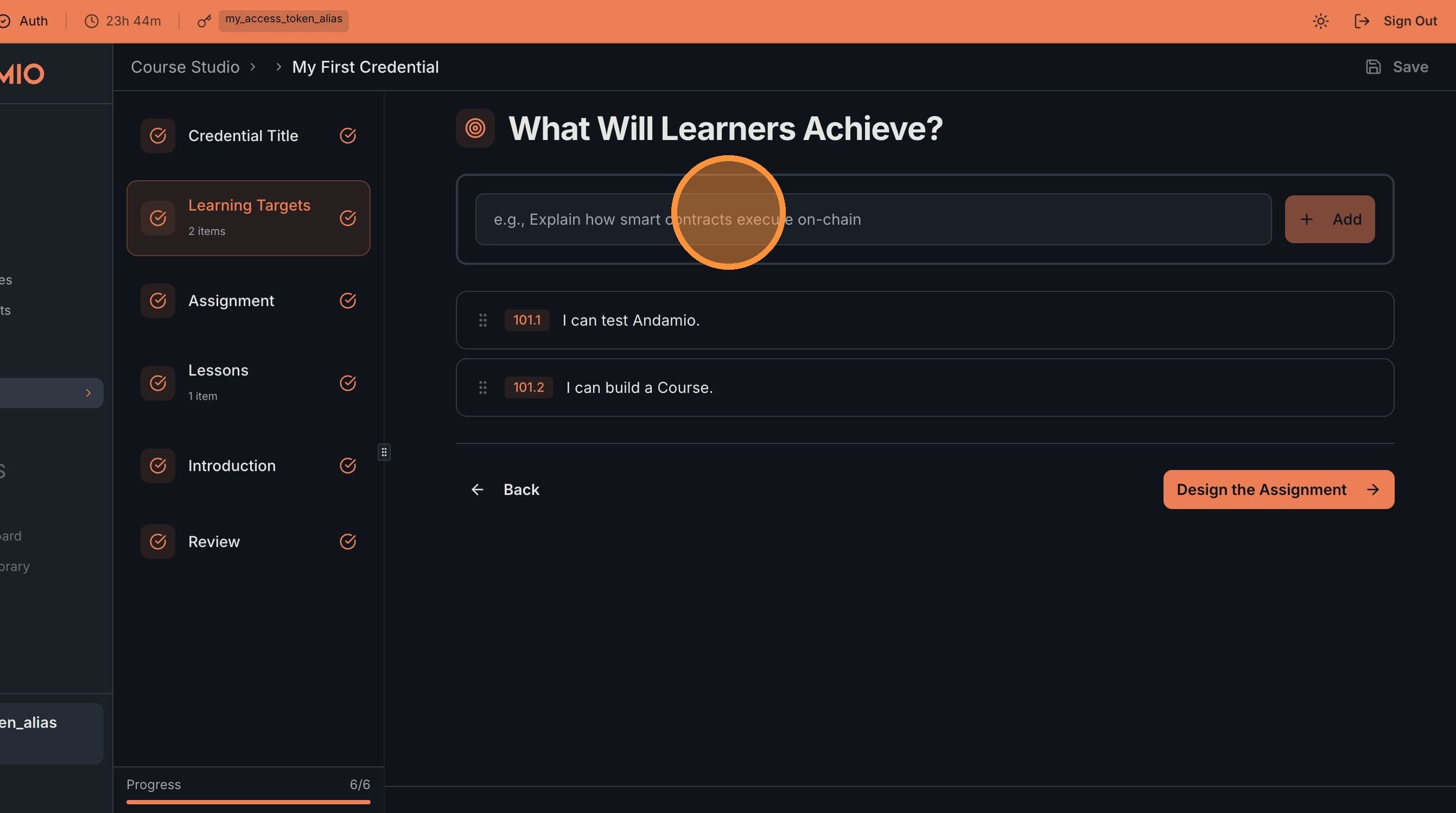
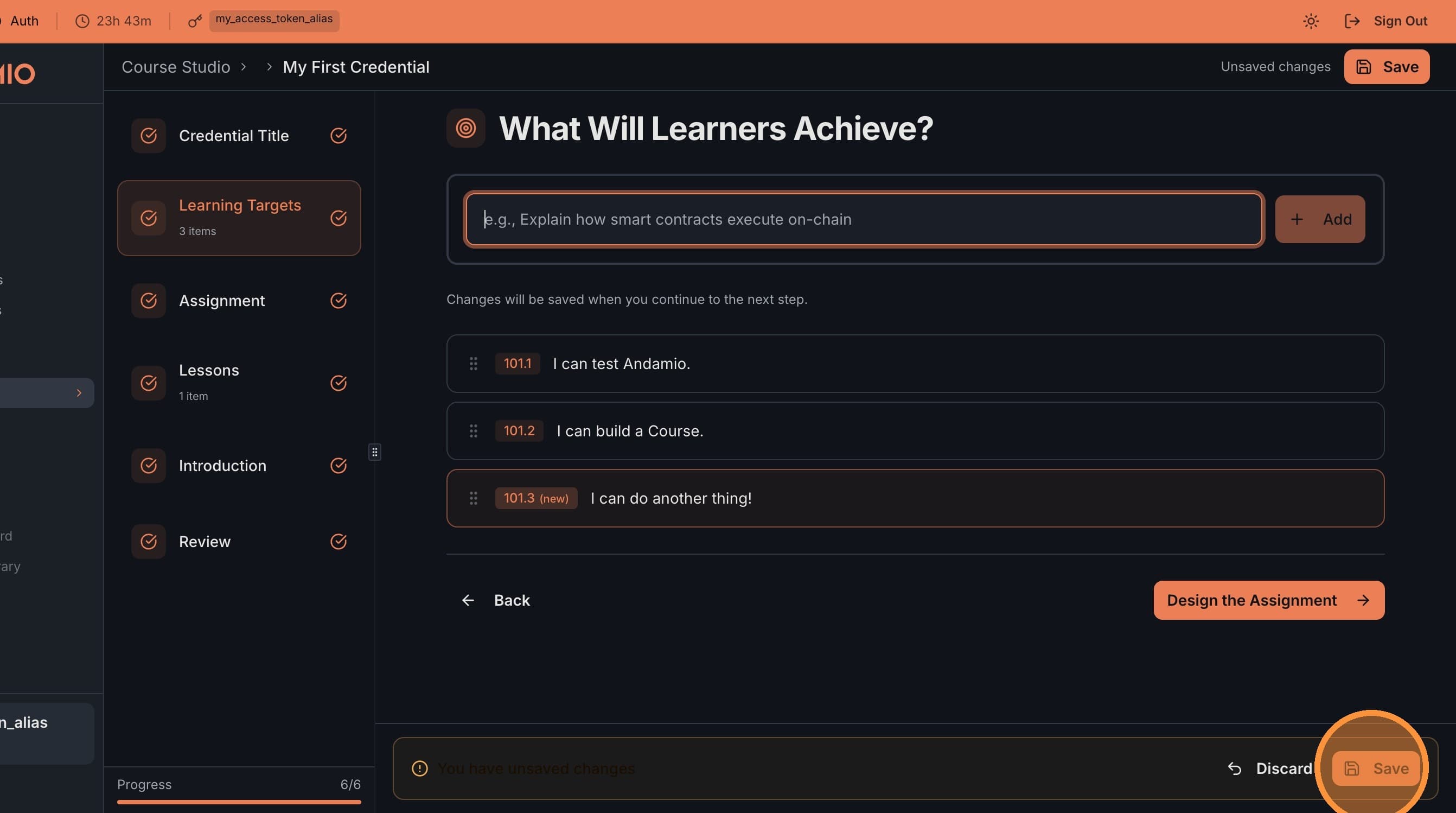
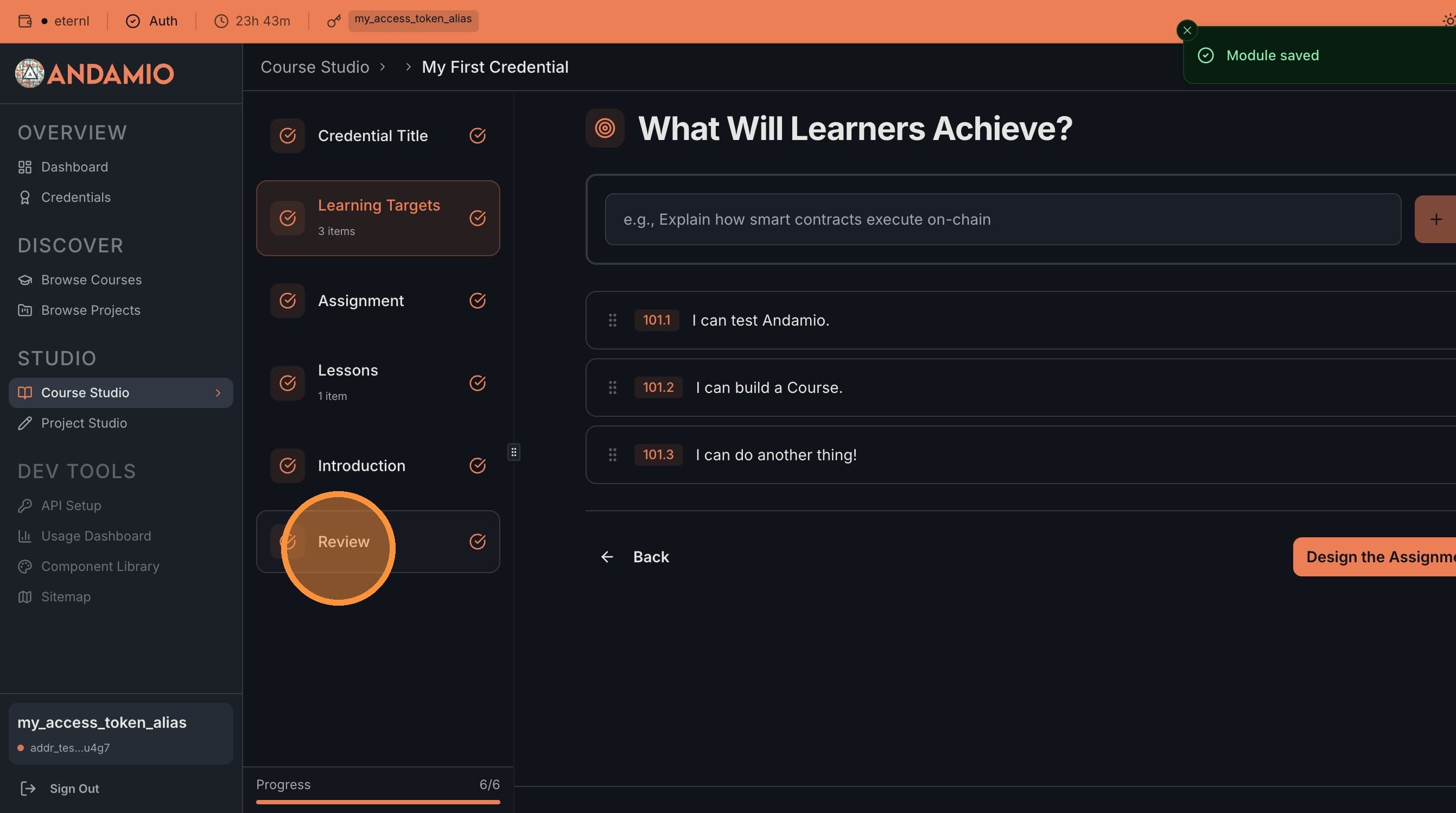
Add Student Learning Targets (SLTs) — these describe what learners must demonstrate to earn this credential. The SLTs become the credential's on-chain definition. You can save your progress at any time.
4. Design the Assignment
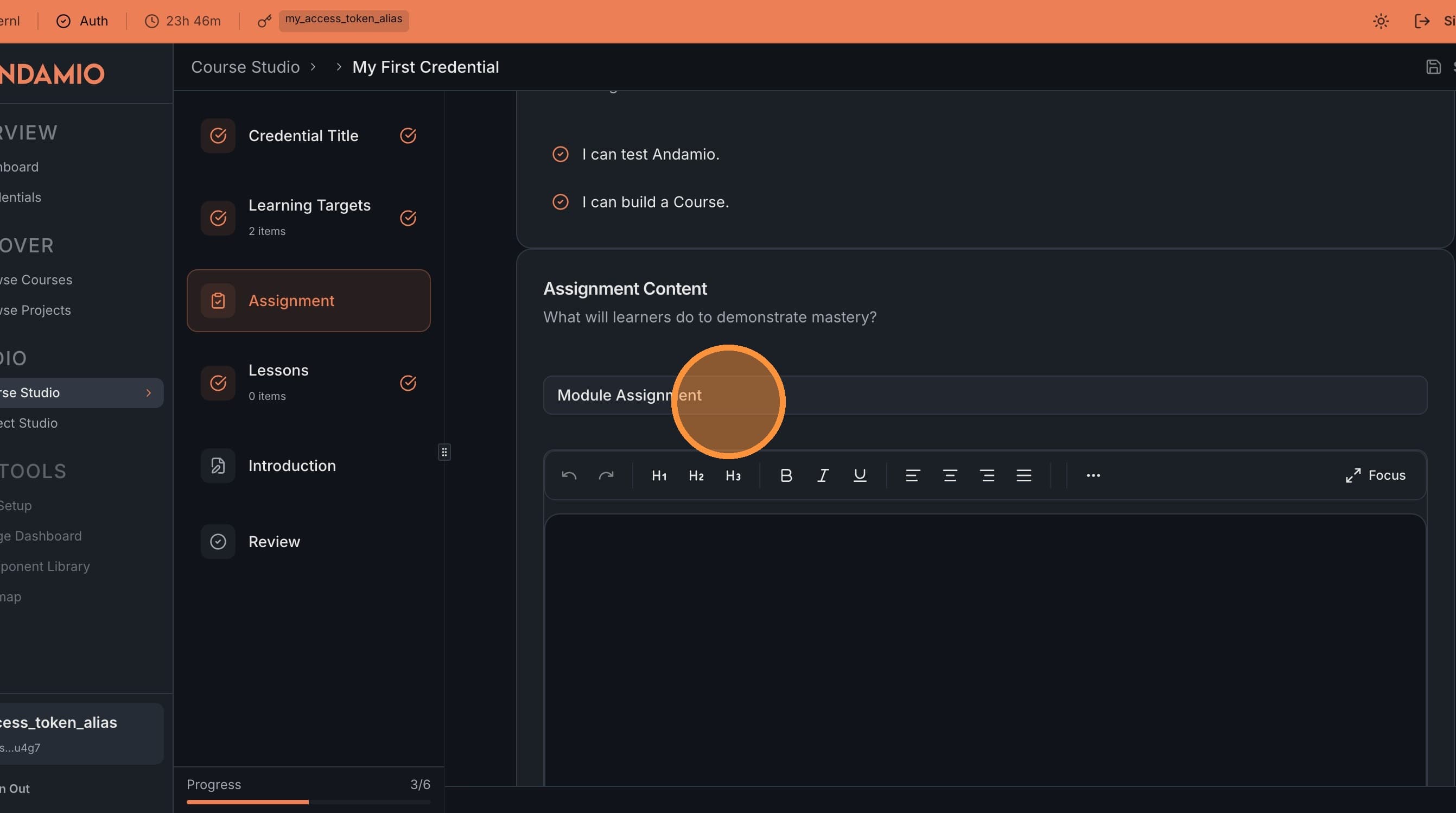
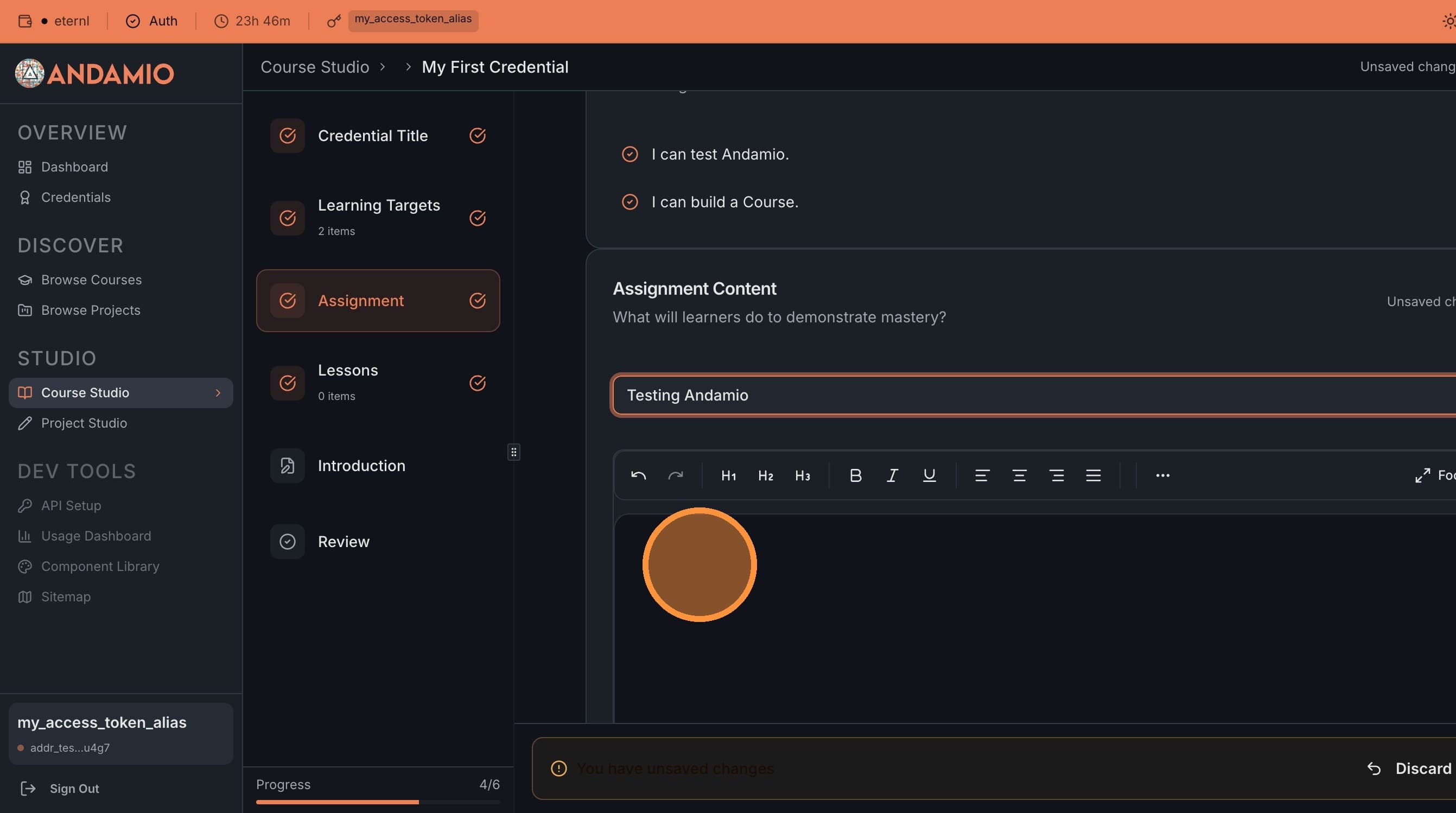
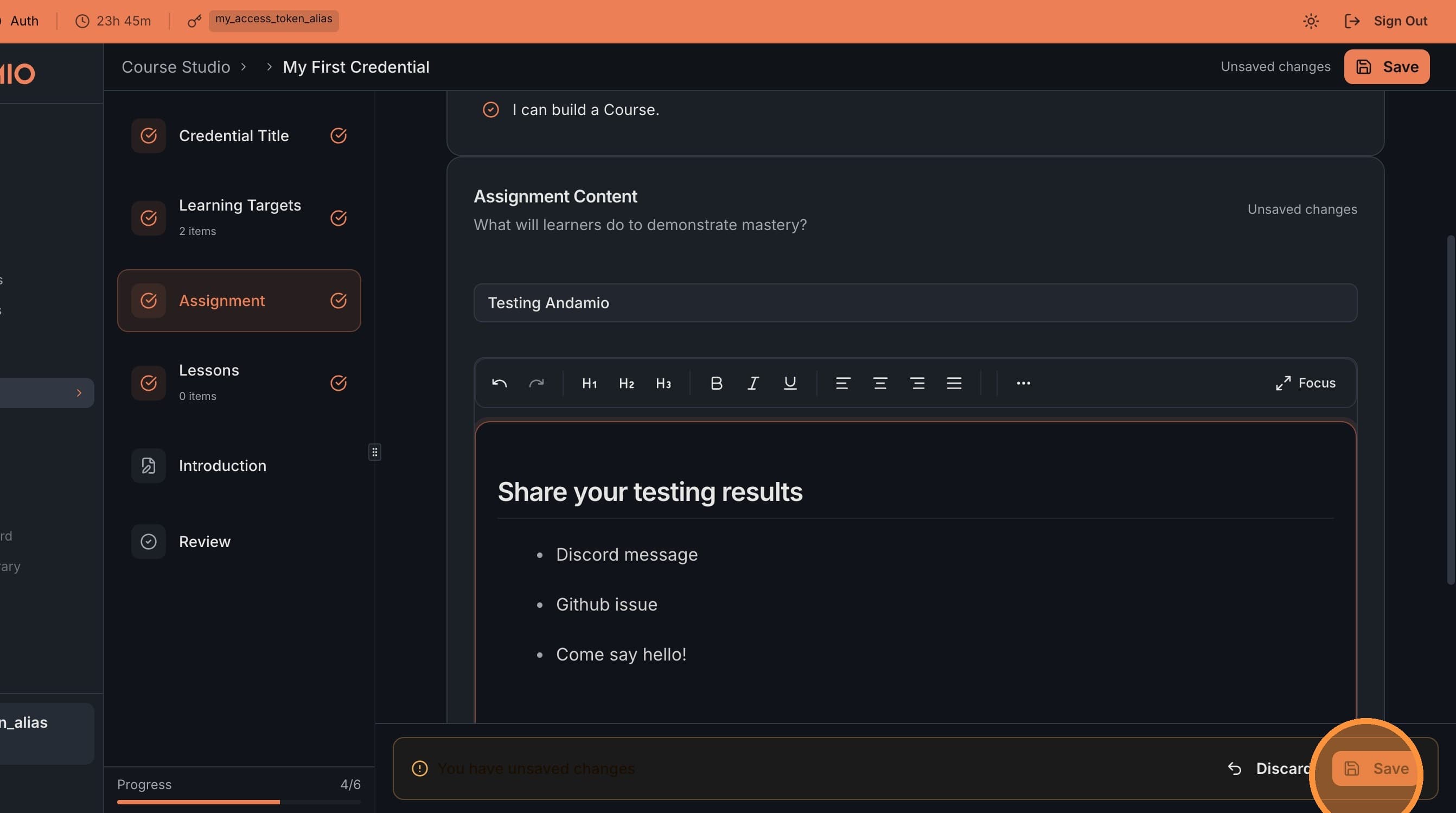
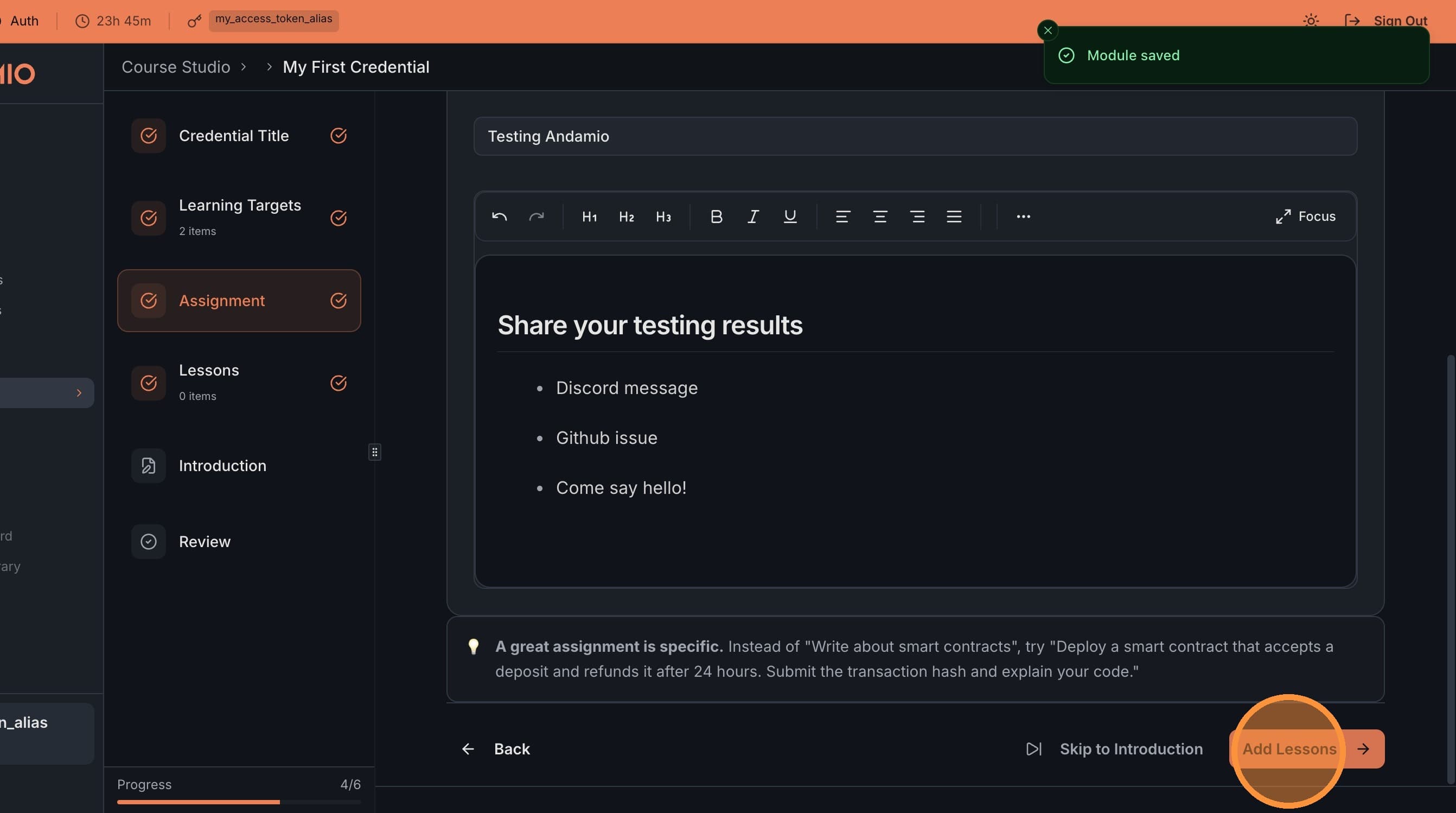
Click Design the Assignment to define how learners will prove they've met the SLTs. Add a title and content, then save.
5. Add Lessons (Optional)
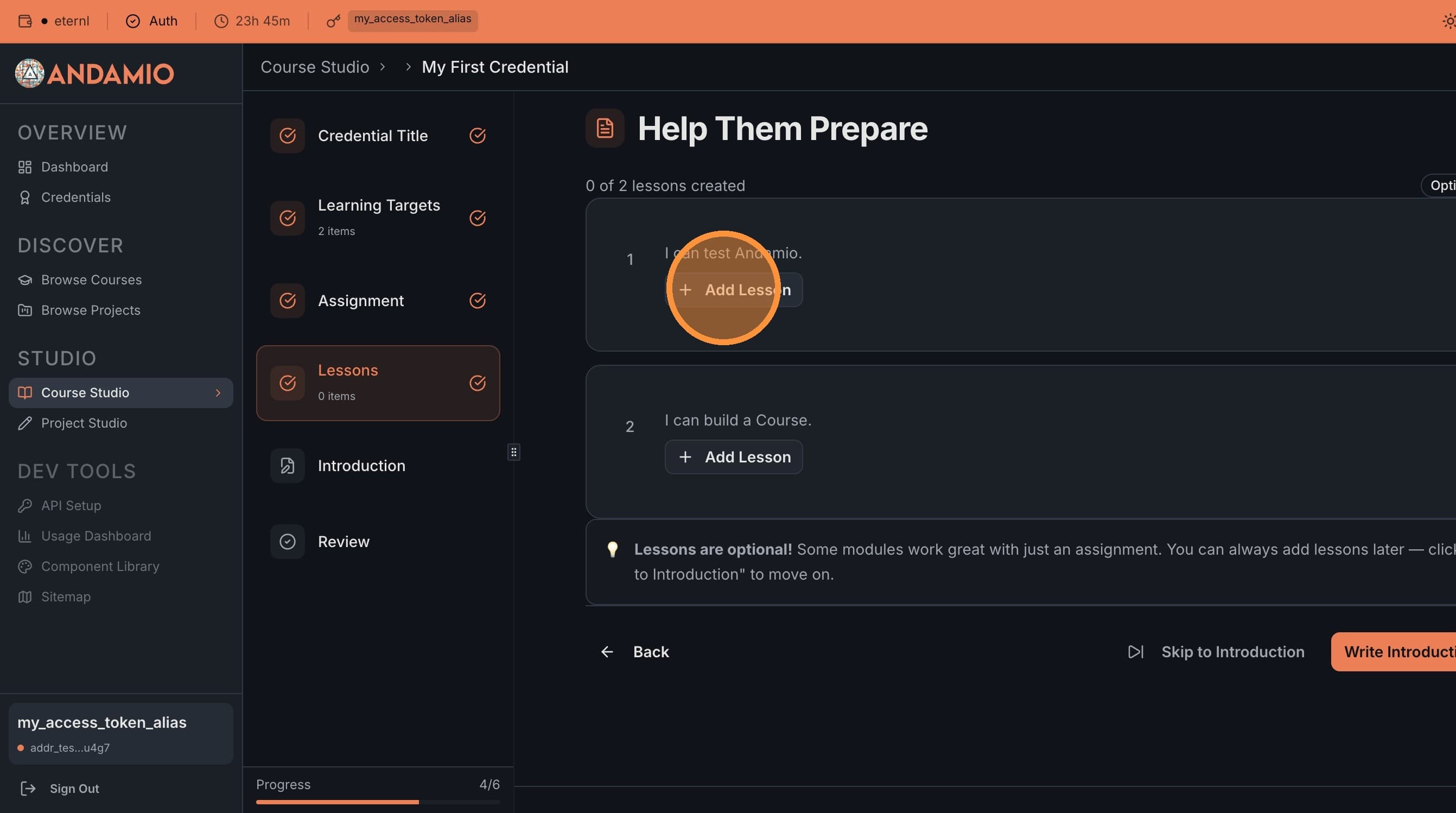
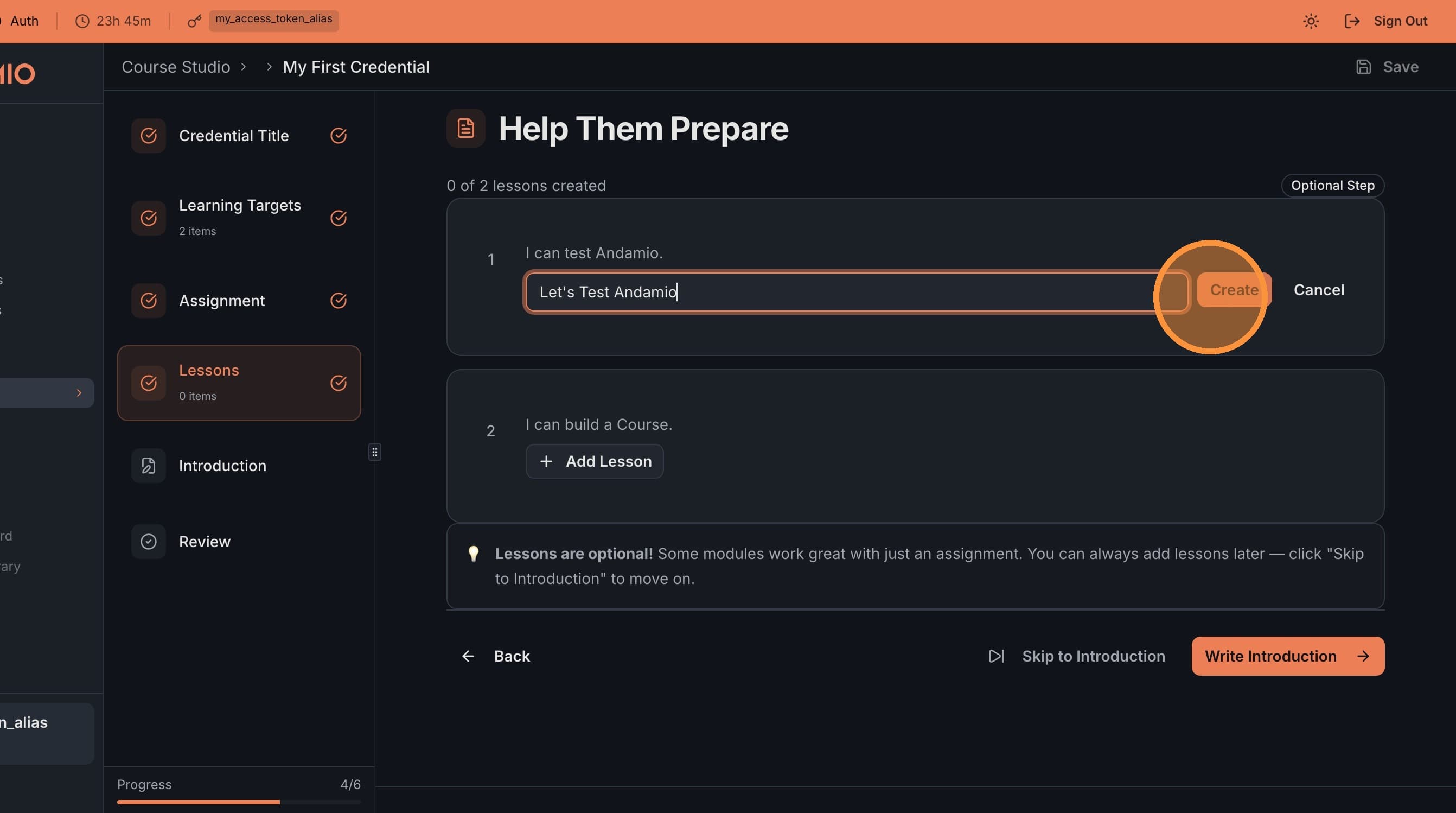
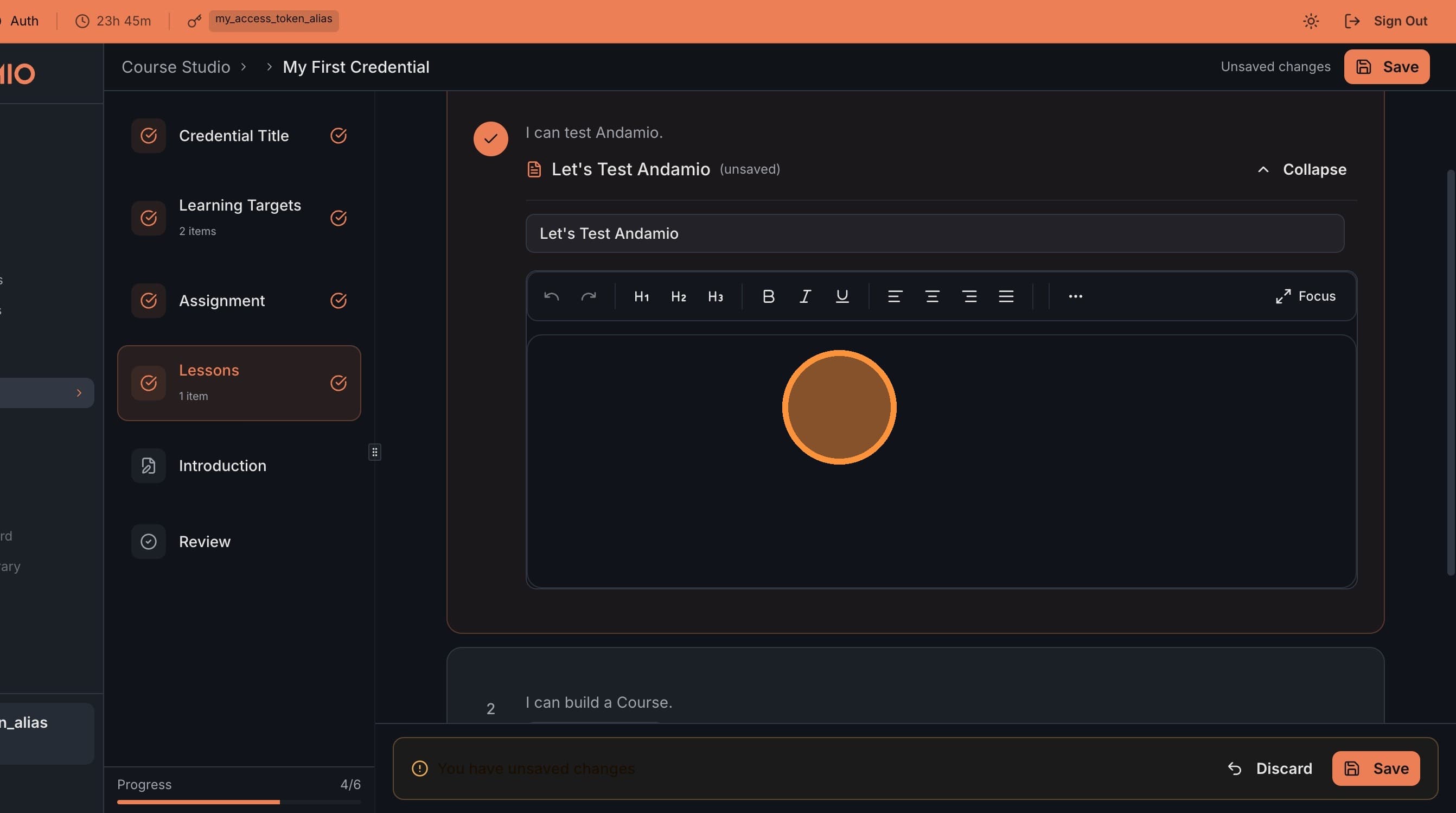
Click Add Lessons to create learning content for each SLT. Lessons are optional but help learners prepare for the assignment.
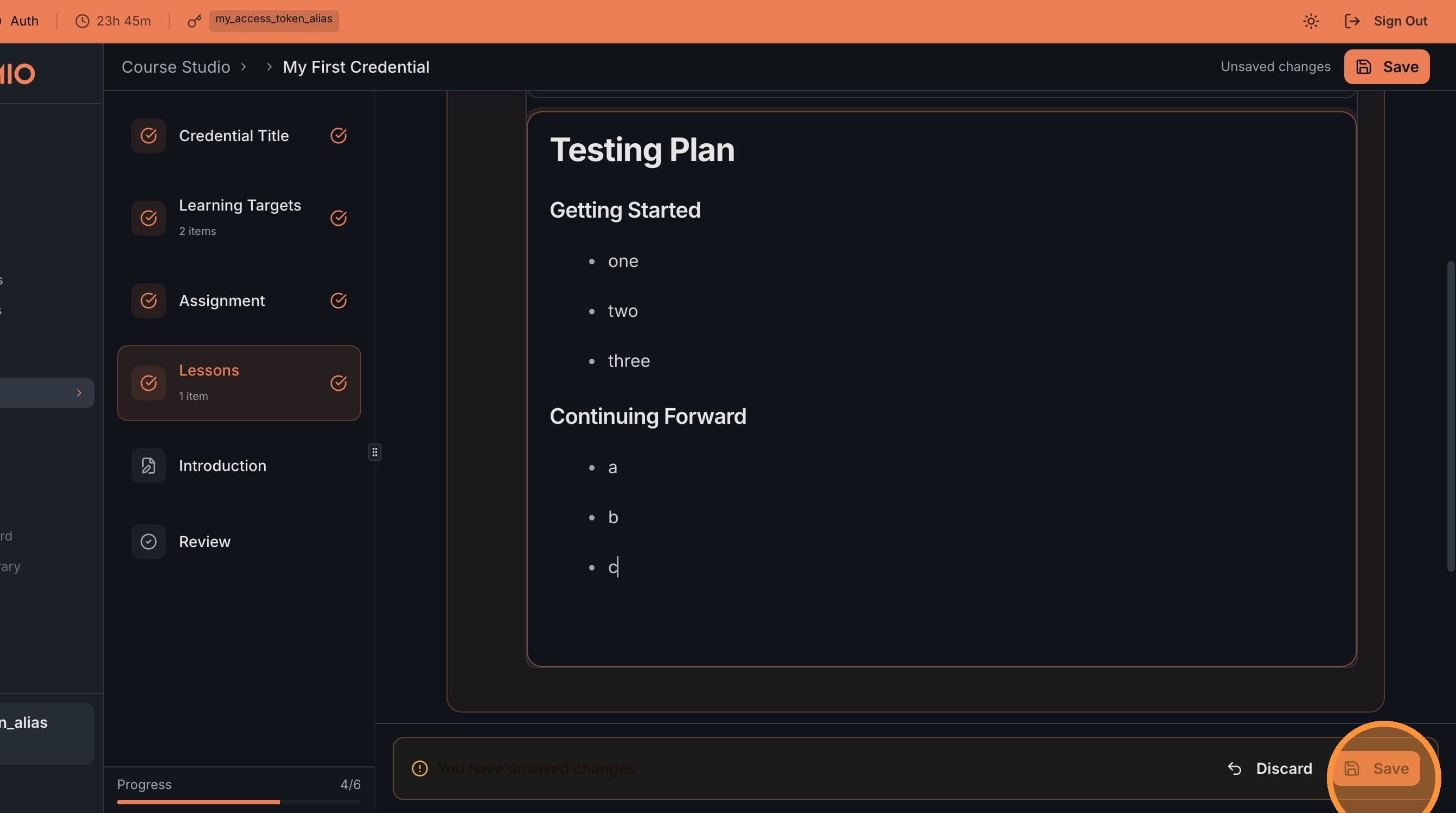
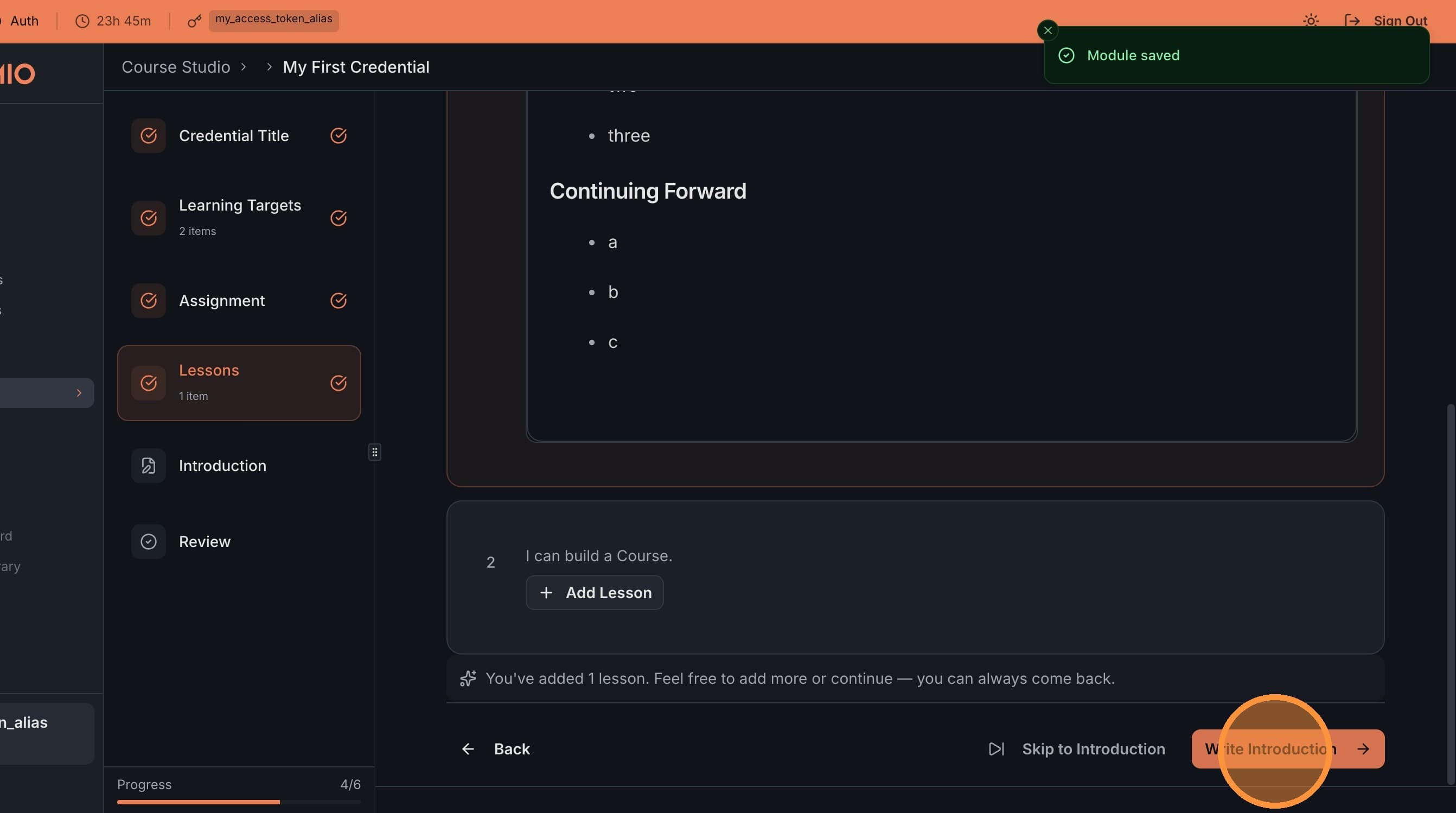
6. Write the Introduction
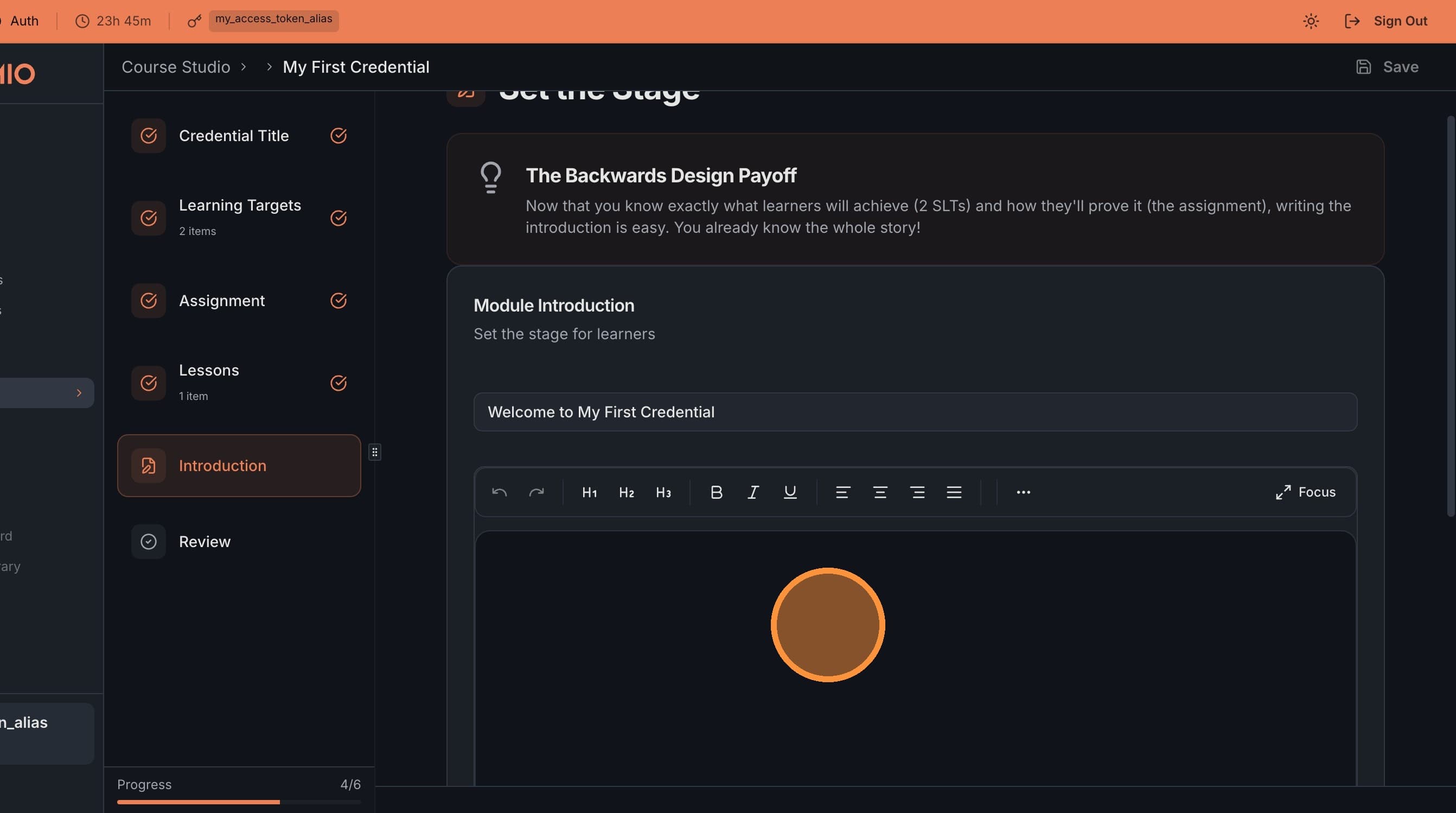
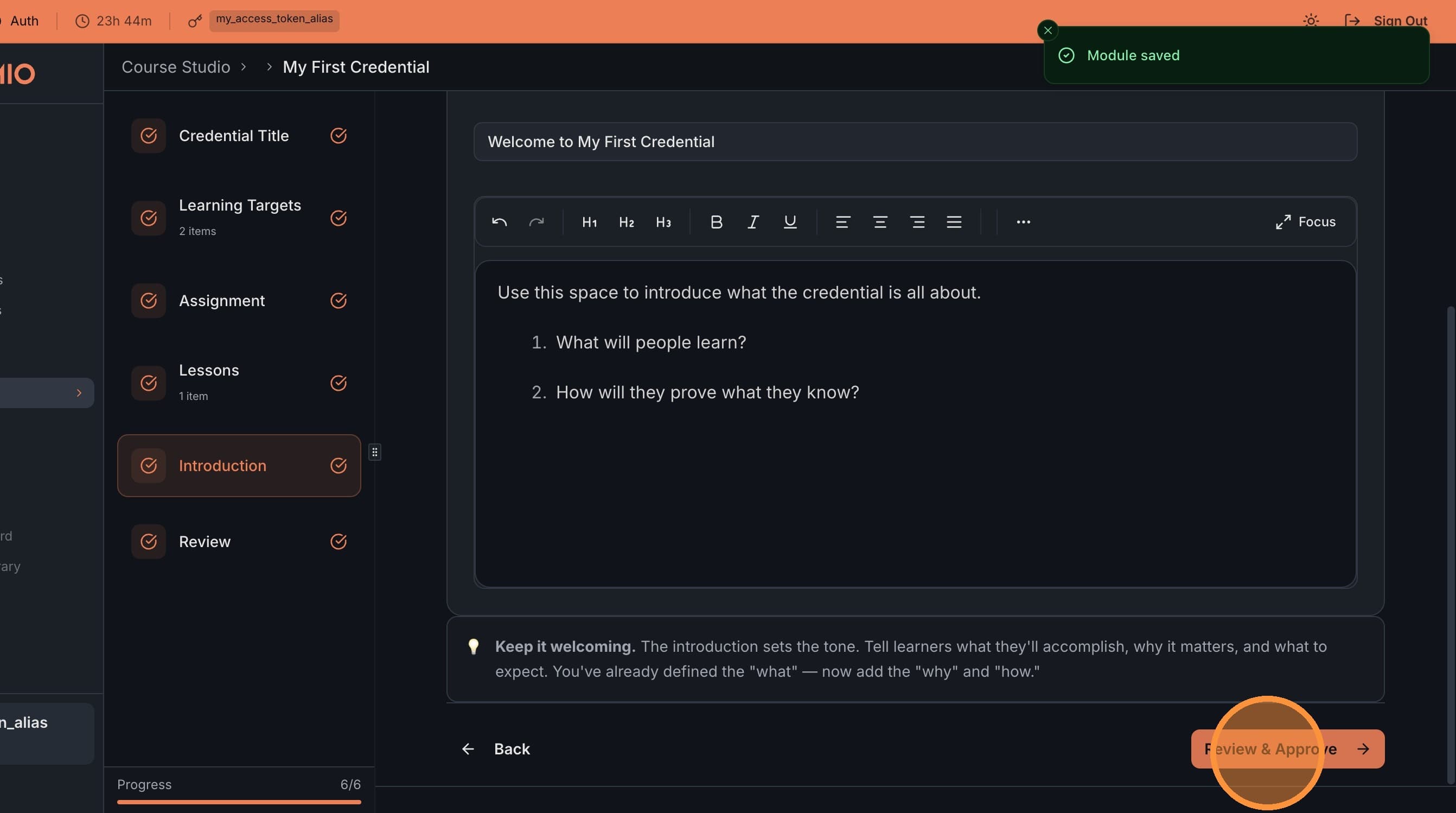
Click Introduction to write content that explains what this credential is about. What will learners accomplish? How will they prove what they know?
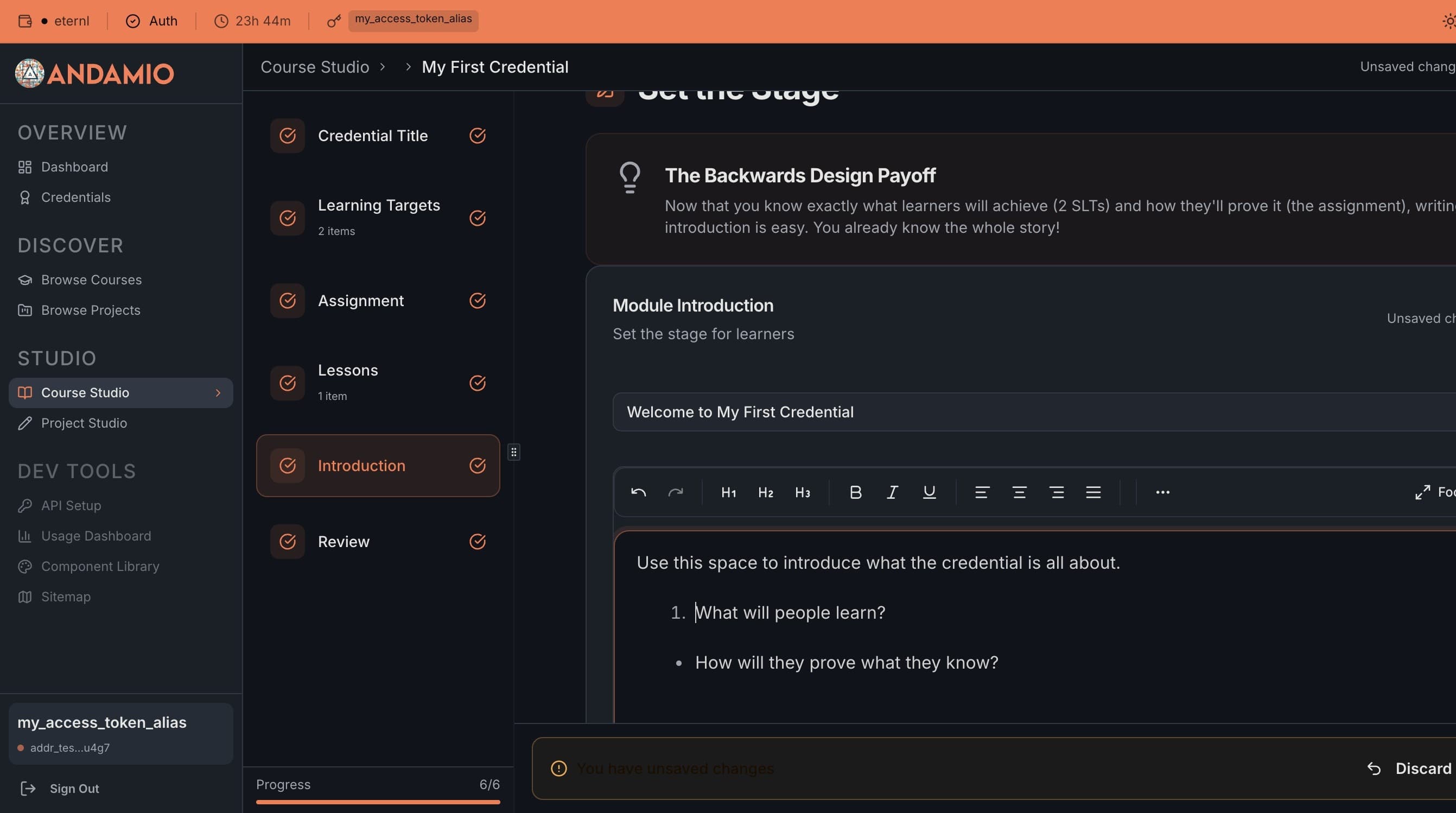
7. Review and Approve
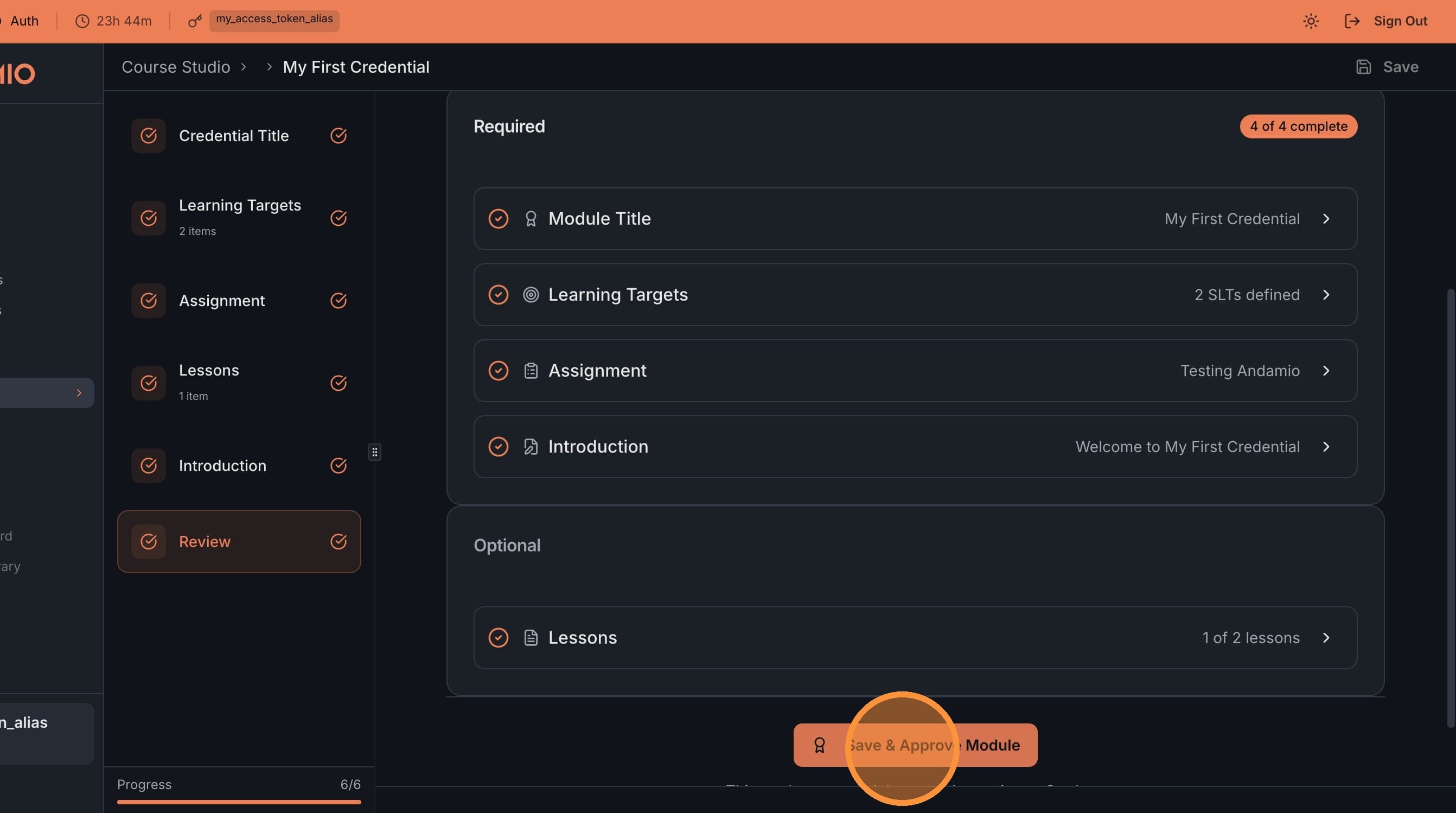
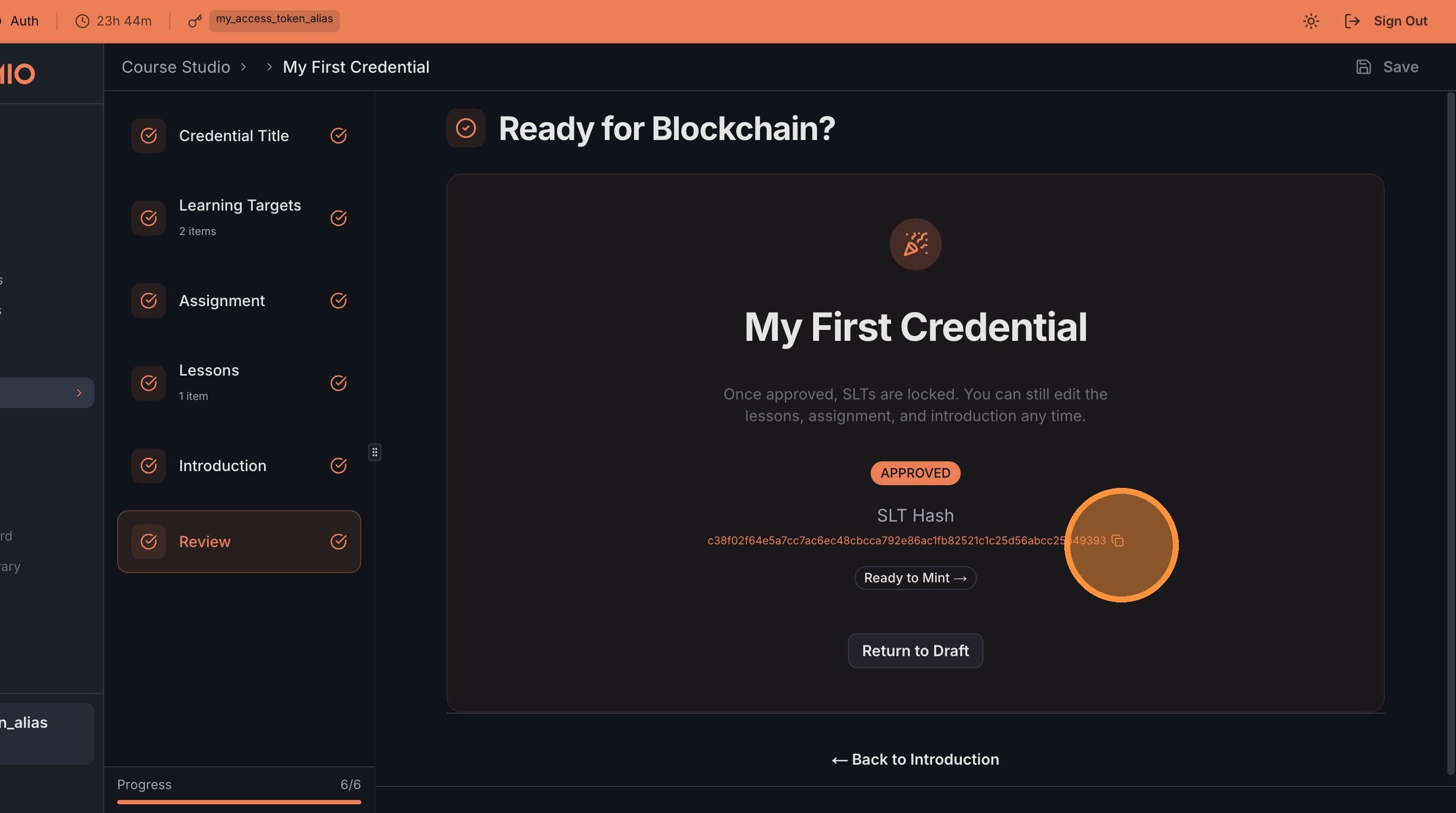
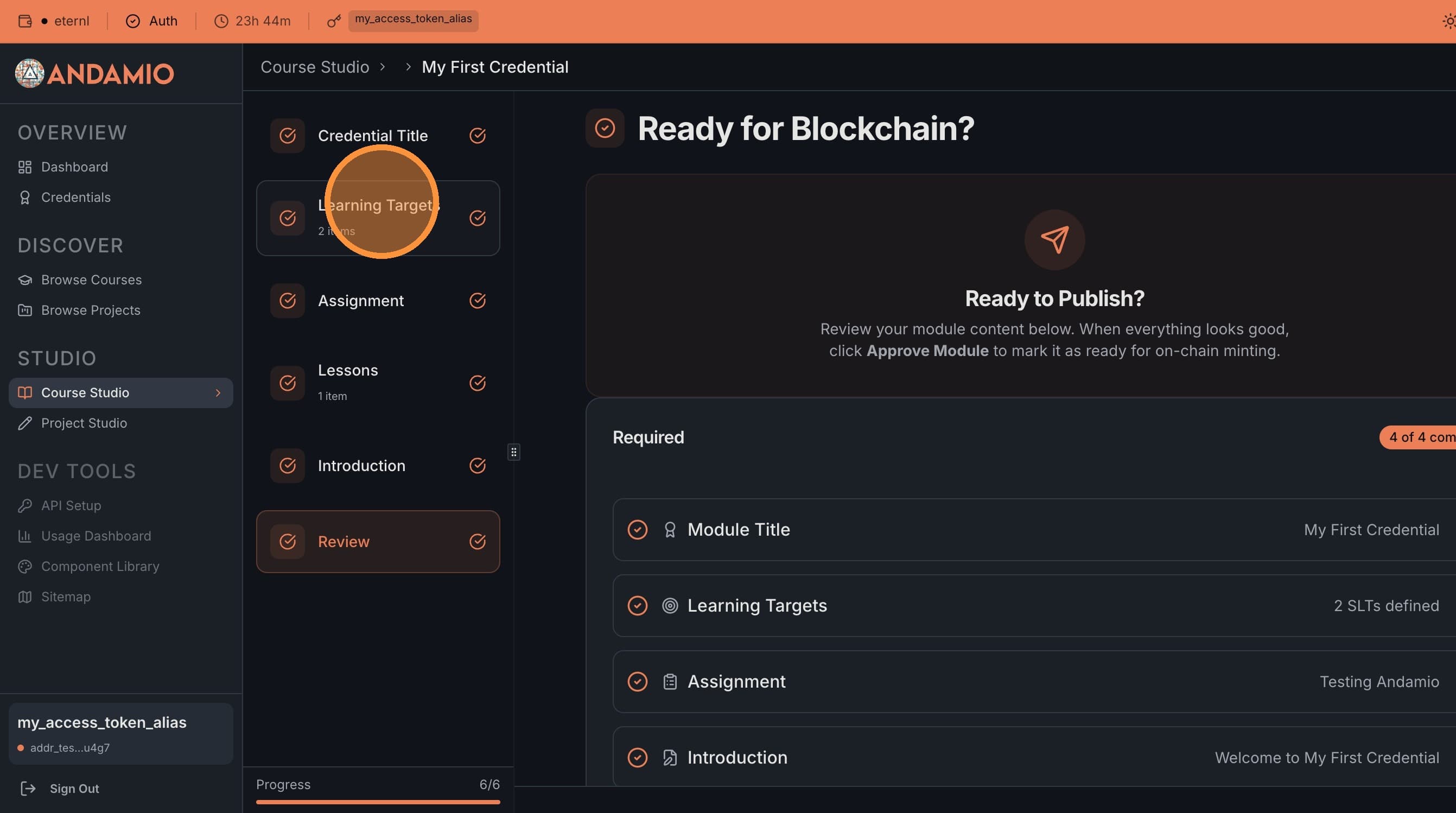
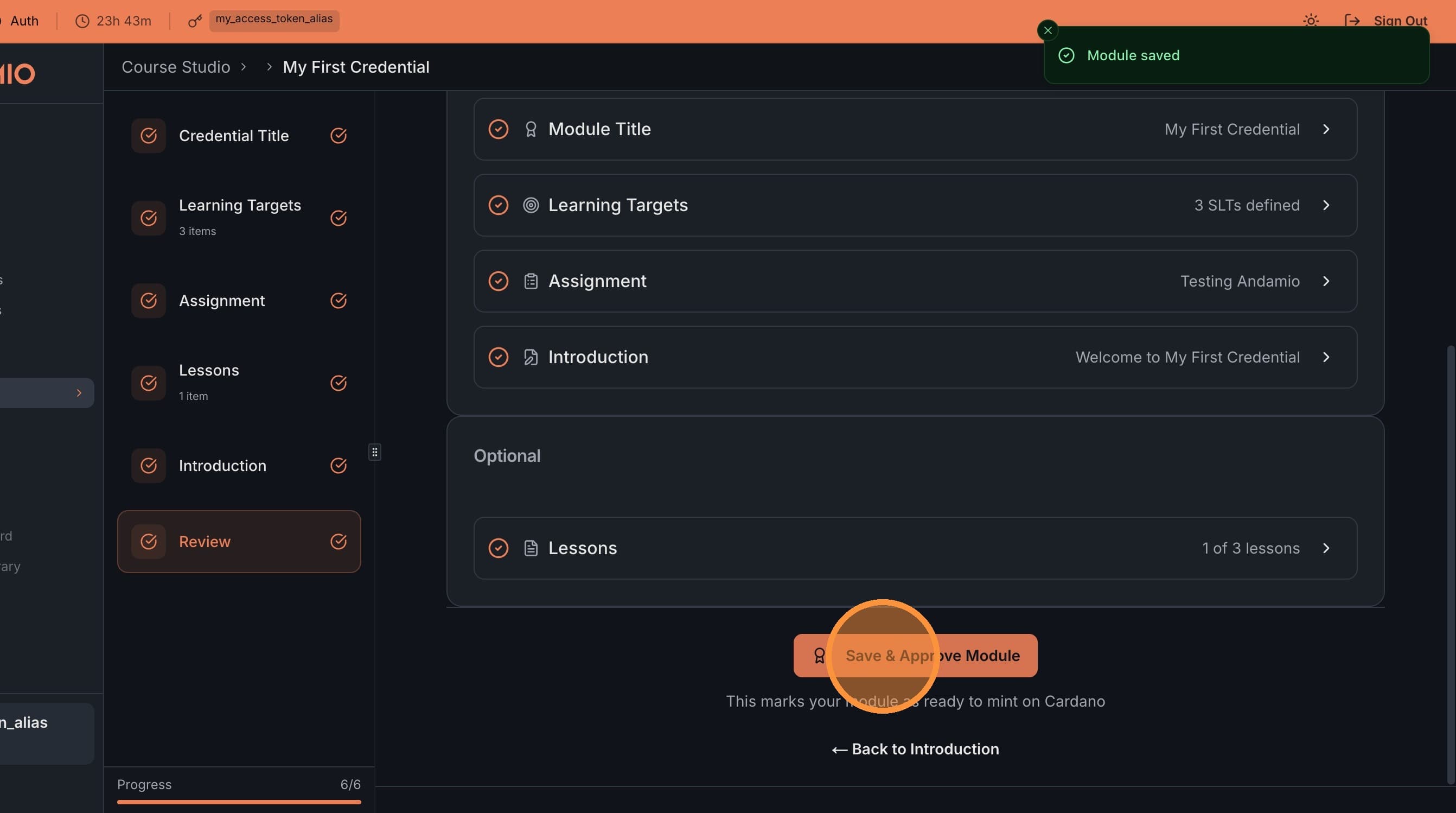
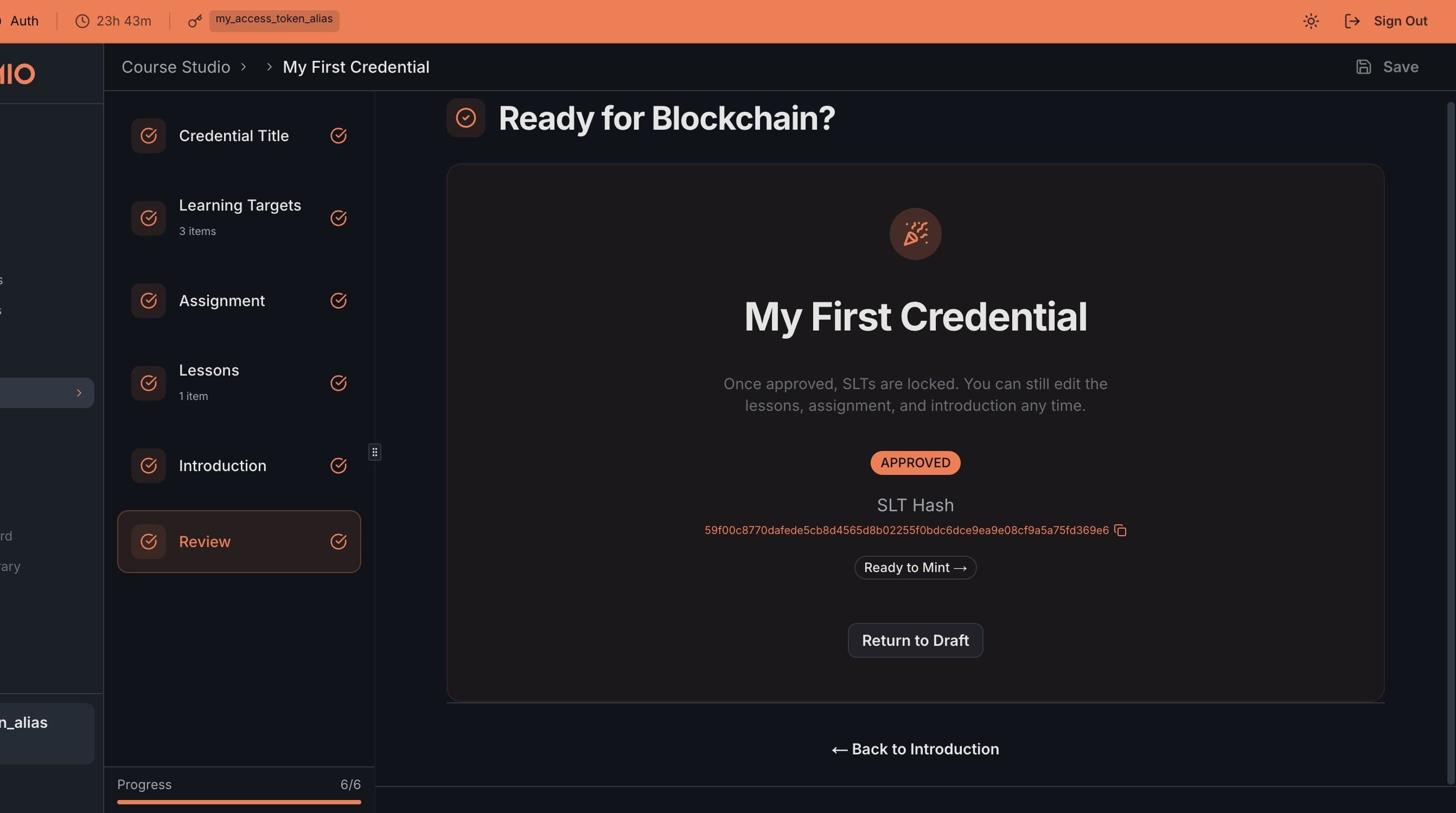
Click Review & Approve, then Save & Approve Module. The SLTs are hashed — this hash becomes the credential's on-chain identifier. When minted, this is what proves a learner's achievement.
8. Iterate Before Minting
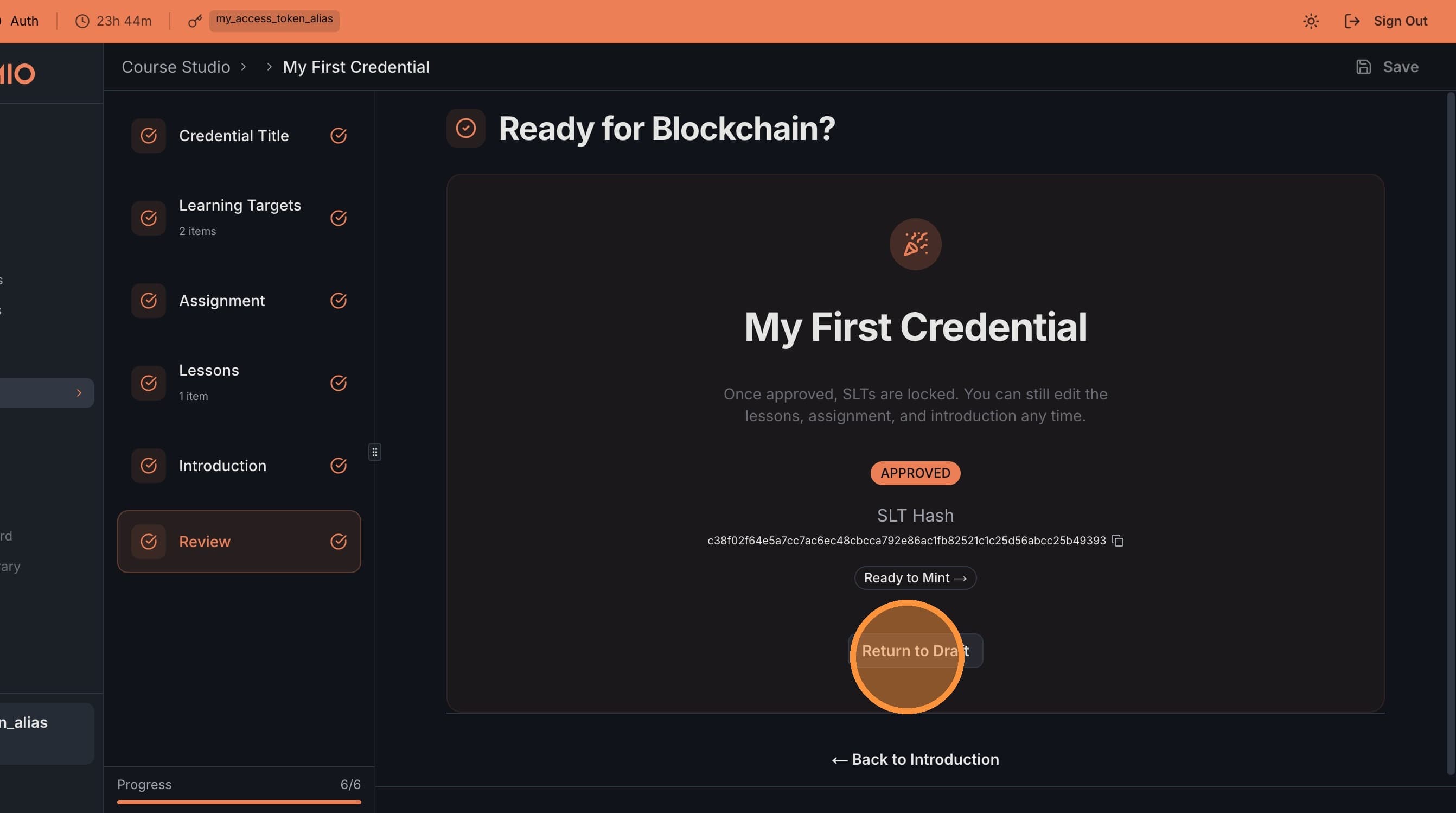
Before minting on-chain, you can return to draft mode to continue refining your SLTs. Each time you approve, a new hash is generated.
Next Steps
- Assess Assignments Transaction — How teachers review and grade student work on-chain